


Create Onion Layers of Security
This is my presentation to the UKOUG last December on creating onion layers of security around your data.
- Slide 1 - Create Onion Layers of Security
-
Create Onion Layers of Security
Around Your Data
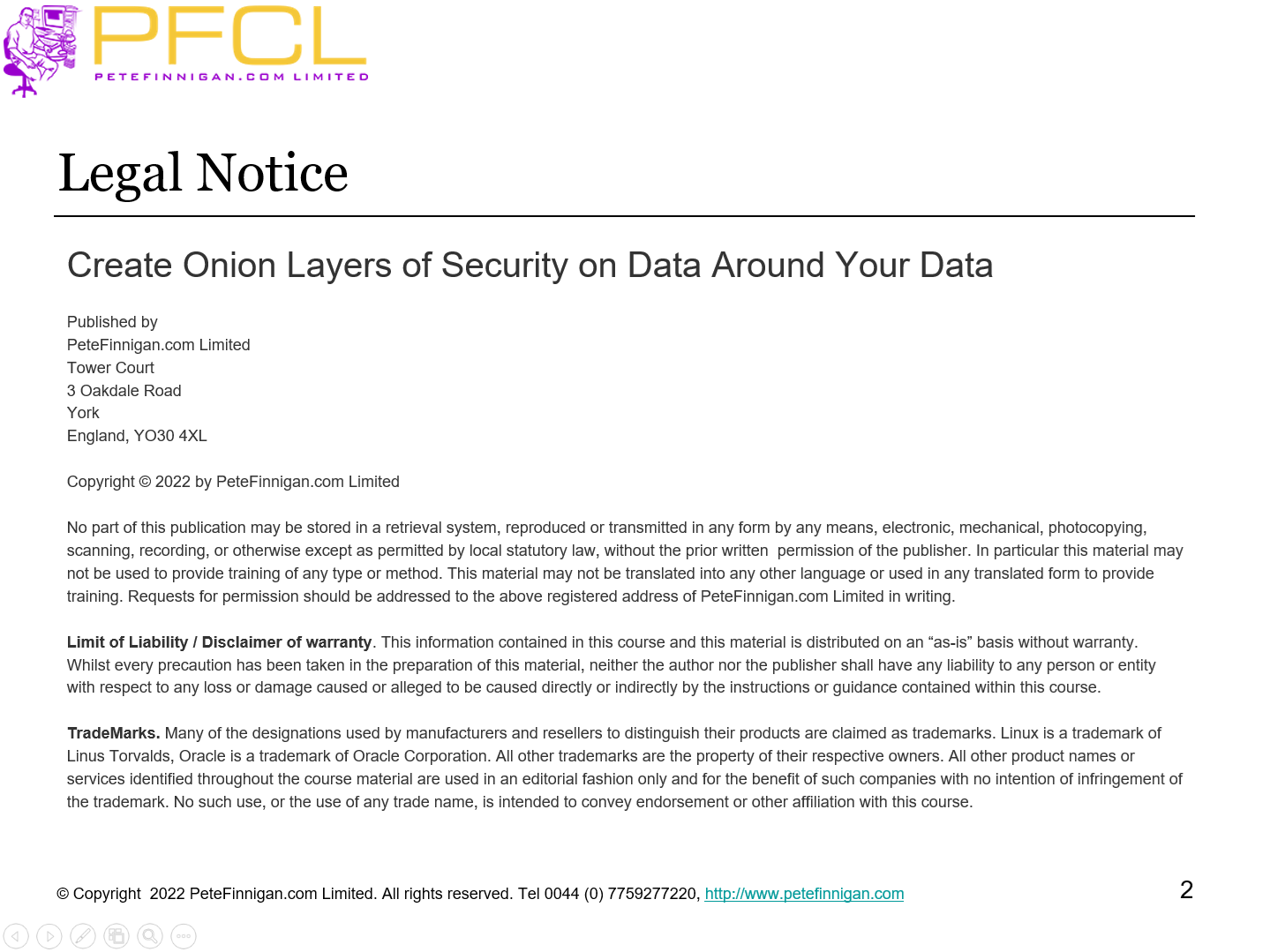
- Slide 2 - Legal notice
-
Create Onion Layers of Security
Published by
PeteFinnigan.com Limited
Tower Court
3 Oakdale Road
York
England, YO30 4XL
Copyright © 2025 by PeteFinnigan.com Limited
No part of this publication may be stored in a retrieval system, reproduced or transmitted in any form by any means, electronic, mechanical, photocopying, scanning, recording, or otherwise except as permitted by local statutory law, without the prior written permission of the publisher. In particular this material may not be used to provide training of any type or method. This material may not be translated into any other language or used in any translated form to provide training. Requests for permission should be addressed to the above registered address of PeteFinnigan.com Limited in writing.
Limit of Liability / Disclaimer of warranty. This information contained in this course and this material is distributed on an “as-is” basis without warranty. Whilst every precaution has been taken in the preparation of this material, neither the author nor the publisher shall have any liability to any person or entity with respect to any loss or damage caused or alleged to be caused directly or indirectly by the instructions or guidance contained within this course.
TradeMarks. Many of the designations used by manufacturers and resellers to distinguish their products are claimed as trademarks. Linux is a trademark of Linus Torvalds, Oracle is a trademark of Oracle Corporation. All other trademarks are the property of their respective owners. All other product names or services identified throughout the course material are used in an editorial fashion only and for the benefit of such companies with no intention of infringement of the trademark. No such use, or the use of any trade name, is intended to convey endorsement or other affiliation with this course.
- Slide 3 - Background
-
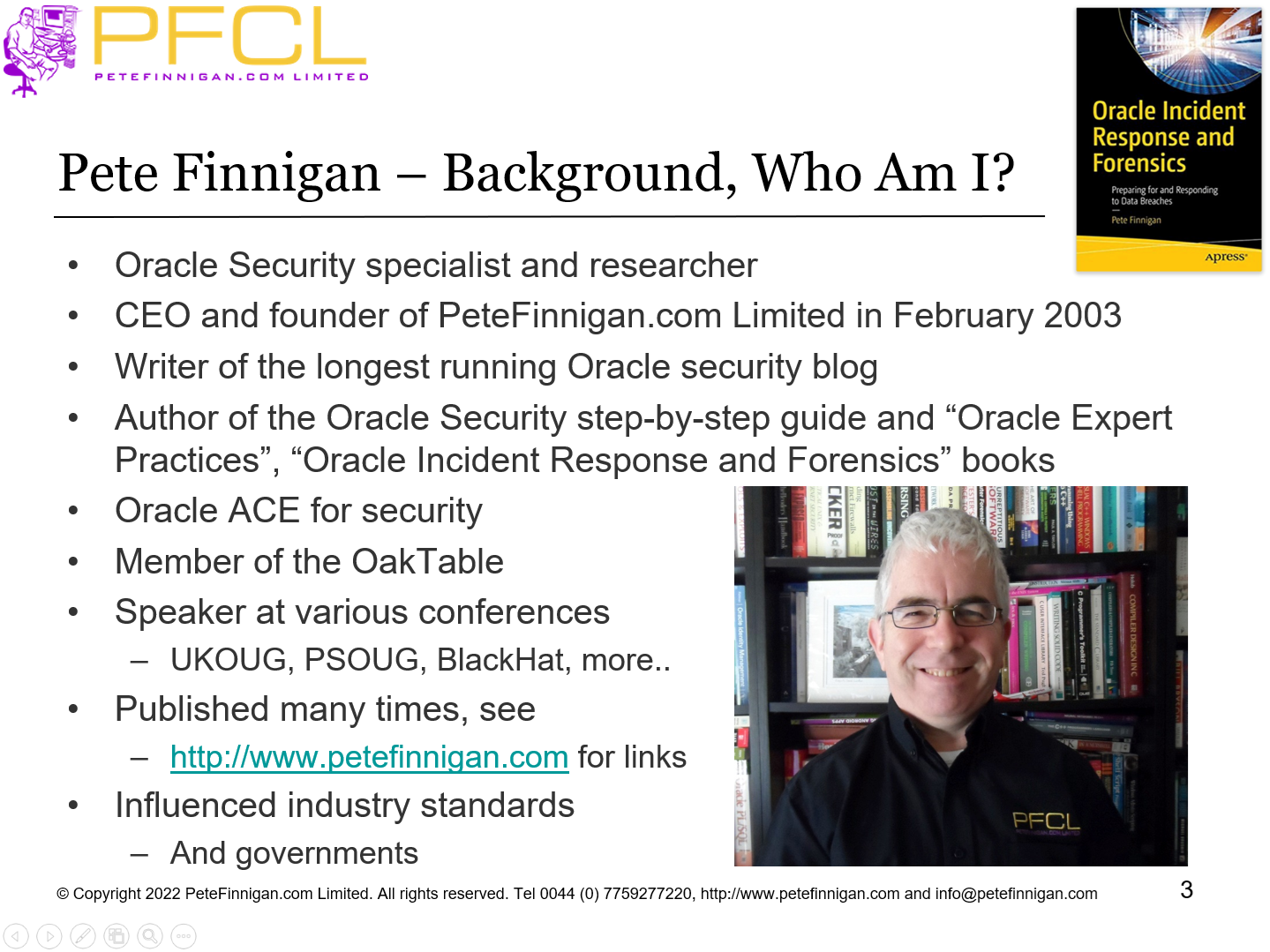
Pete Finnigan – Background, Who Am I?
- Oracle Security specialist and researcher
- CEO and founder of PeteFinnigan.com Limited in February 2003
- Writer of the longest running Oracle security blog
- Author of the Oracle Security step-by-step guide and “Oracle Expert Practices”, “Oracle Incident Response and Forensics” books
- Oracle ACE for security
- Member of the OakTable, SYM 42
- Speaker at various conferences UKOUG, PSOUG, BlackHat, more..
- Published many times, see http://www.petefinnigan.com for links
- Slide 4 - Agenda
-
- A little history
- Secure data not databases
- Layers of data security
- Context based security
- Adaptive security
- Audit trails
- Work to a plan
- Slide 5 - A Little History
-
A Little History
- Slide 6 - Brief History Of Locking Down Oracle
-
- When I started to secure Oracle there were “no” or “next to no” books, papers, tools or security patches
- No one else was specializing in Oracle security in the database that I knew of
- Then in 2001 I was asked to write the SANS Oracle step-by-step guide
- This also lead to the SANS S.C.O.R.E list
- SANS donated the book to CIS for the first Oracle Security benchmark
- Slide 7 - Database Security 22 Years Ago
-
- Companies were interested in data security BUT
- No budget for data security
- Legacy thinking
- Functionality
- SLA
- Not security of Oracle or data in Oracle
- Tendency to think that its someone else's issue; OS, Network, Firewalls etc; just not the Oracle database
- Companies had budgets only for desktop/network
- Slide 8 - Oracle Security in 2022
-
- I see a reliance on traditional security ideas
- Network security, firewalls, desktop, AD, anti-virus
- I also see too big a focus on things like the CIS benchmark
- This is focused on patch and harden
- CIS is missing many things, 12c, 18c, 19c, 21c, CDB/PDB, ASM, newer…
- It is a consensus but the consensus is too small
- Its 10-15 years out of date
- I see a push to tick boxes
- Buy TDE but don’t otherwise secure the data in motion
- Buy Database Vault but still have one admin person with root, Oracle, SYSDBA and DV realm owner, DV admin etc
- Slide 9 - Oracle Security is Free and Cost Option
-
- Oracle added lots of database security products but not free
- BUT there are many free features that you can use to secure your data
- One problem; Even basics you have to do yourself:
- Design permissions – it is not automatic
- Identity is difficult from applications and not there by default
- Shipped audit trails are simplistic since 10g and not adequate
- Encryption is possible BUT you have to do key management…
- Most sites have open network routing still with no segmentation and no data security, no data firewalls, I even see databases in the DMZ
- Slide 10 - Secure Data not Databases
-
Secure Data not Databases
- Slide 11 - What Is Oracle Security?
-
- It is not Oracle’s Security
- It is our security of our data
- Slide 12 - We Must Target Data
-
- Logic of standards such as CIS for Oracle state that we must
- Do basic hardening
- Apply patches
- Remove defaults
- More…
- They do not focus on the security of the data itself
- For instance the CIS Oracle benchmark for 11g, 12c, 18c, 19c do not cover YOUR data at all
- To secure data we must target the security of data
- Obviously!!
- Slide 13 - We Must Find All Copies of Data
-
- To secure data we MUST KNOW where that data is
- If it is processed and stored in a database we need to
- Located all copies
- Locate all part copies
- Think about how the database works and include system files, logs, trace, …
- Locate all backups
- Locate all reports
- Locate all output created by users, devs, DBAs and more…
- When we know the location of data we can take action
- Slide 14 - Layers of Data Security
-
Layers of Data Security
- Slide 15 - Compartmentalise Data Security?
-
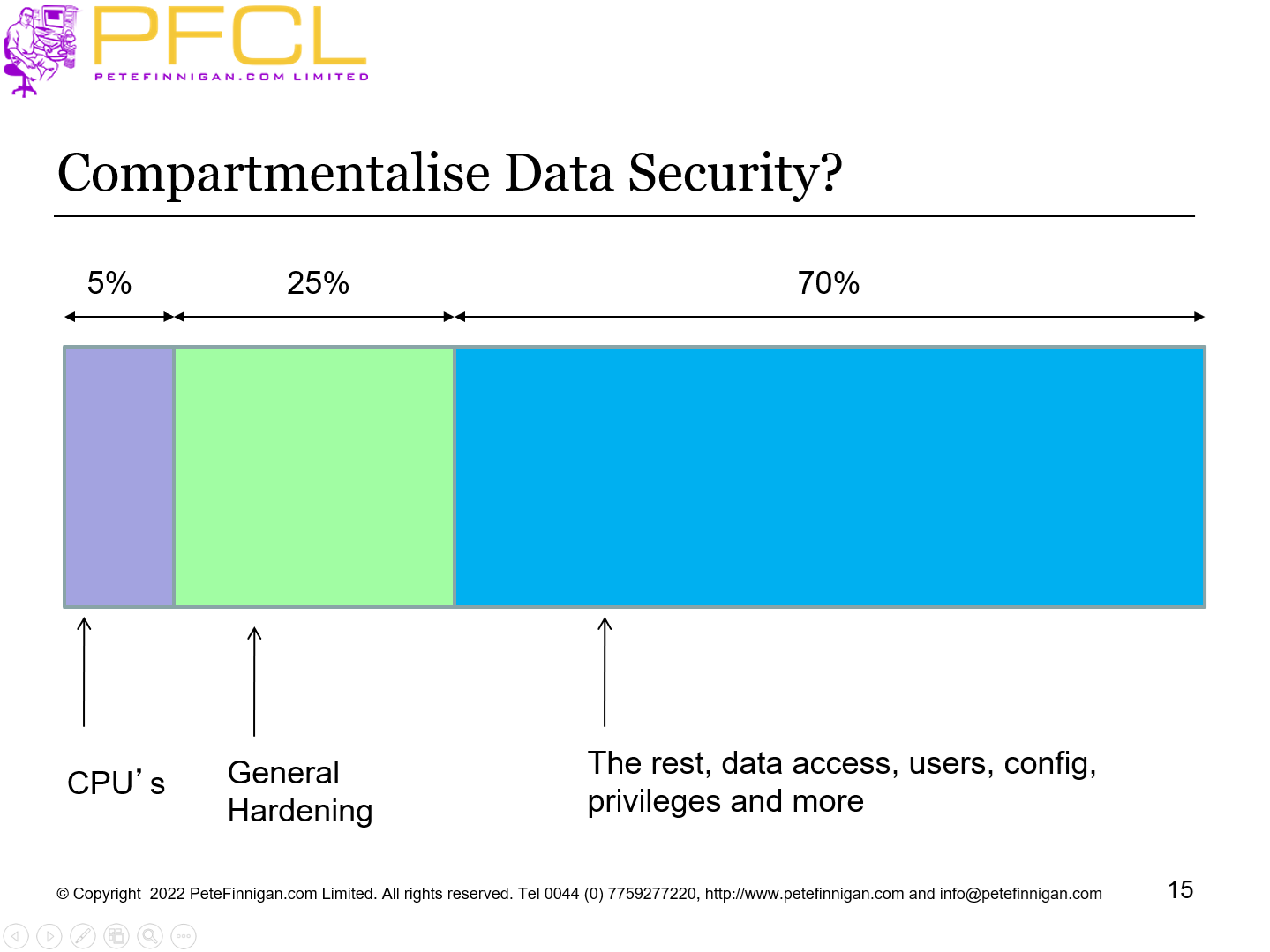
Compartmentalise Data Security?
- Slide 16 - Lets Expand On the Sections
-
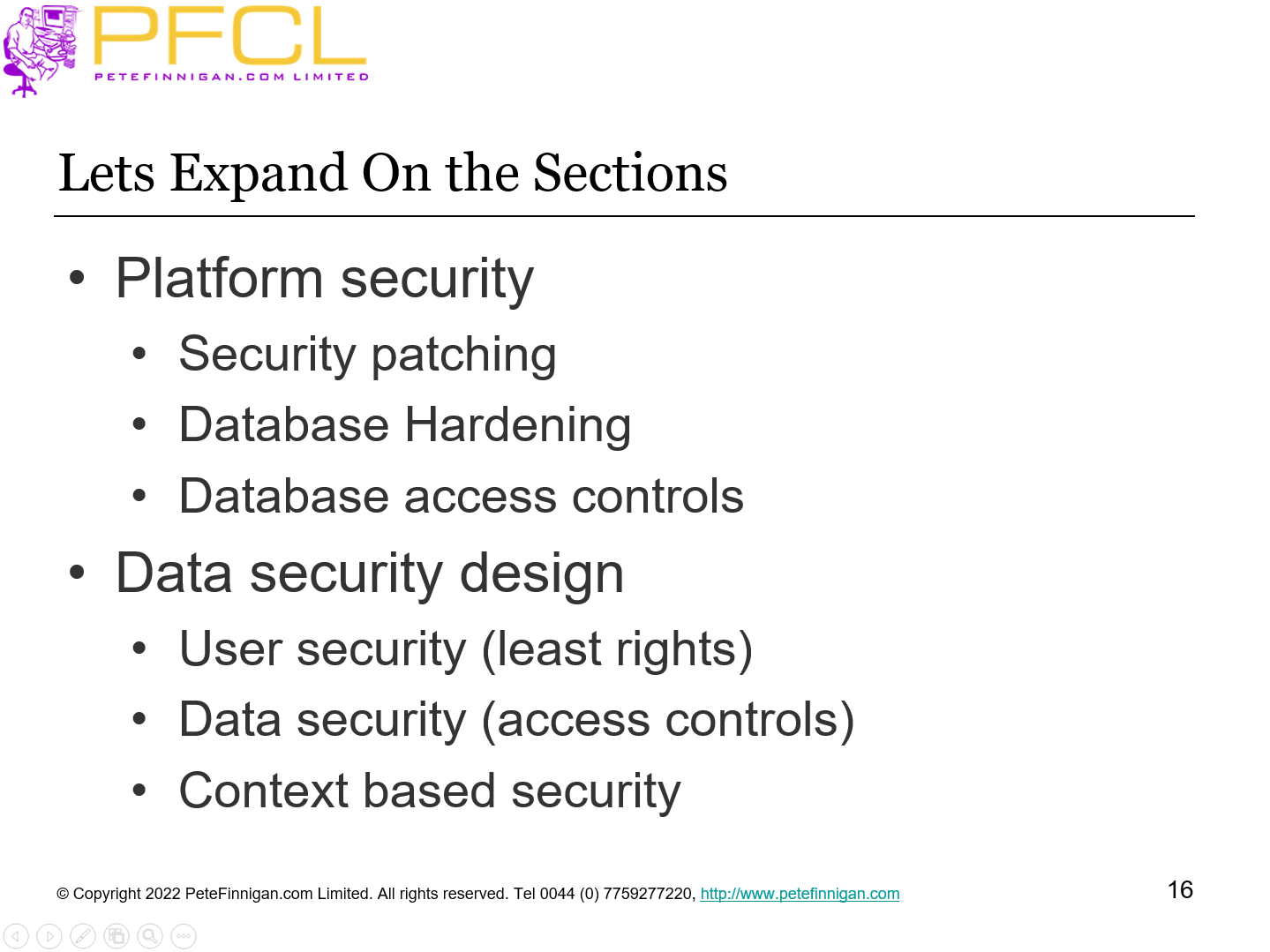
- Platform security
- Security patching
- Database Hardening
- Database access controls
- Data security design
- User security (least rights)
- Data security (access controls)
- Context based security
- Slide 17 - Data Security
-
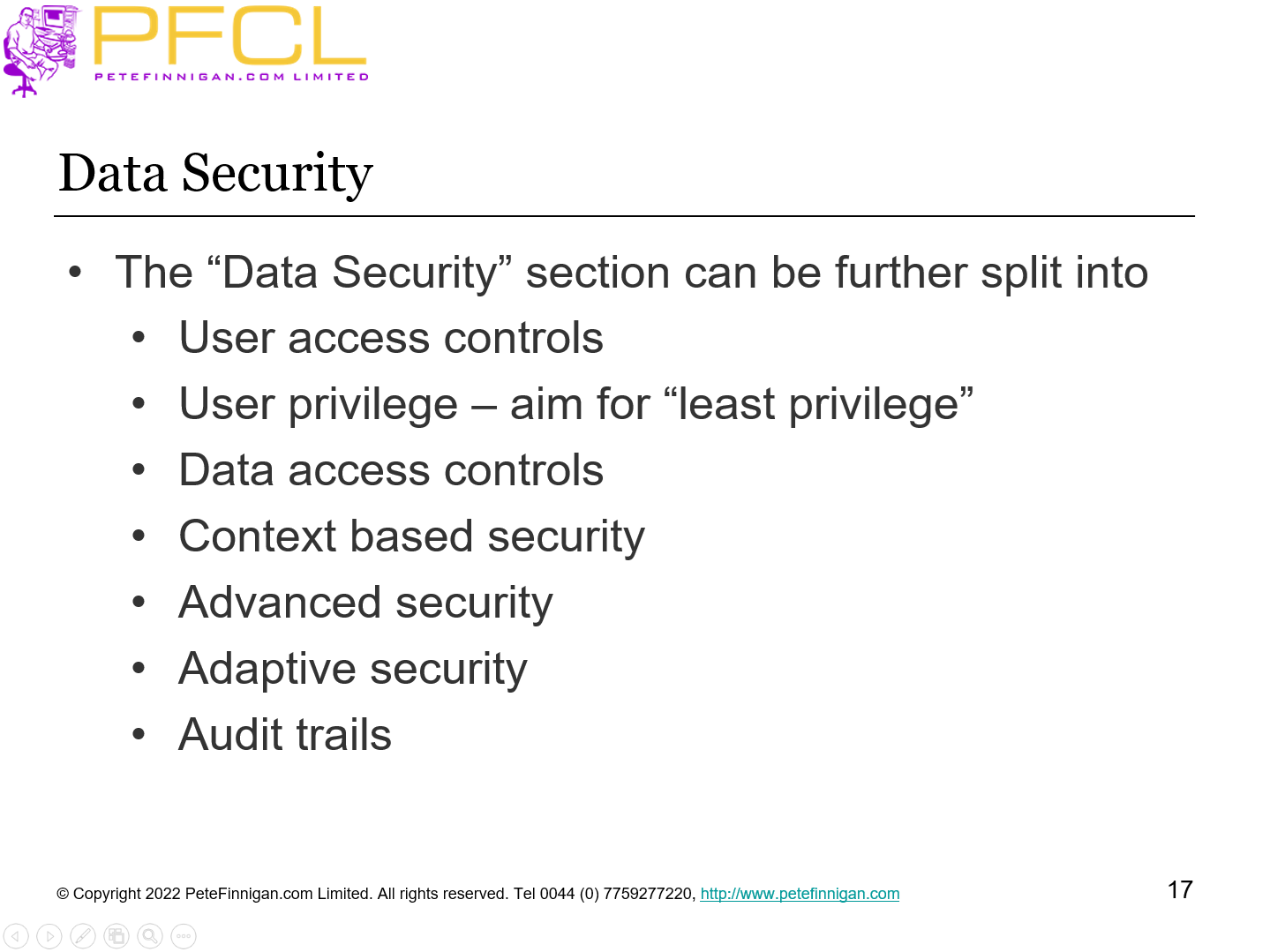
- The “Data Security” section can be further split into
- User access controls
- User privilege – aim for “least privilege”
- Data access controls
- Context based security
- Advanced security
- Adaptive security
- Audit trails
- Slide 18 - Expand into Layers of Data Security
-
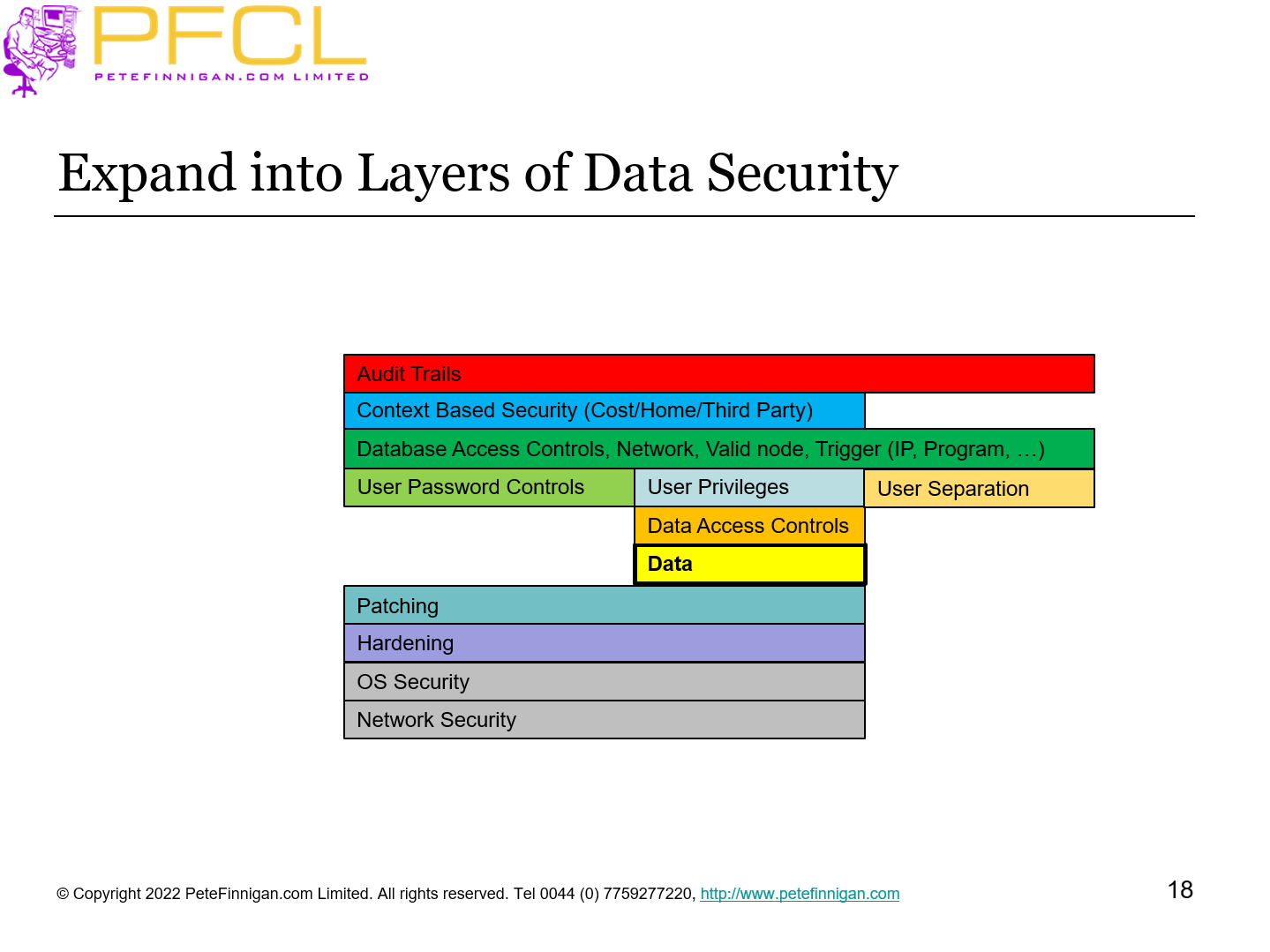
Expand into Layers of Data Security
- Slide 19 - Security Options
-
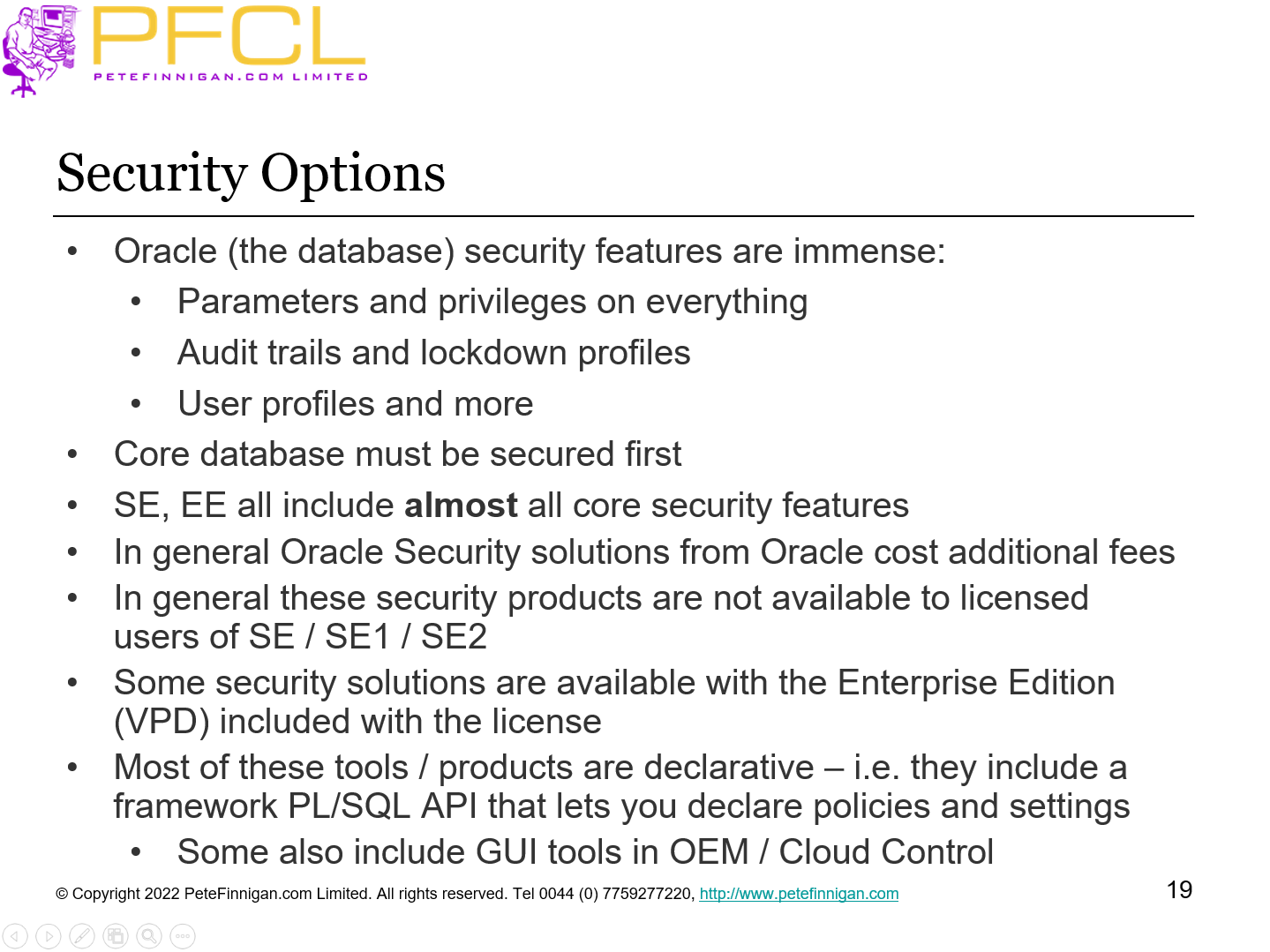
- Oracle (the database) security features are immense:
- Parameters and privileges on everything
- Audit trails and lockdown profiles
- User profiles and more
- Core database must be secured first
- SE, EE all include almost all core security features
- In general Oracle Security solutions from Oracle cost additional fees
- In general these security products are not available to licensed users of SE / SE1 / SE2
- Some security solutions are available with the Enterprise Edition (VPD) included with the license
- Most of these tools / products are declarative – i.e. they include a framework PL/SQL API that lets you declare policies and settings
- Some also include GUI tools in OEM / Cloud Control
- Slide 20 - Patching and Hardening
-
Patching and Hardening
- Slide 21 - Patch The Database
-
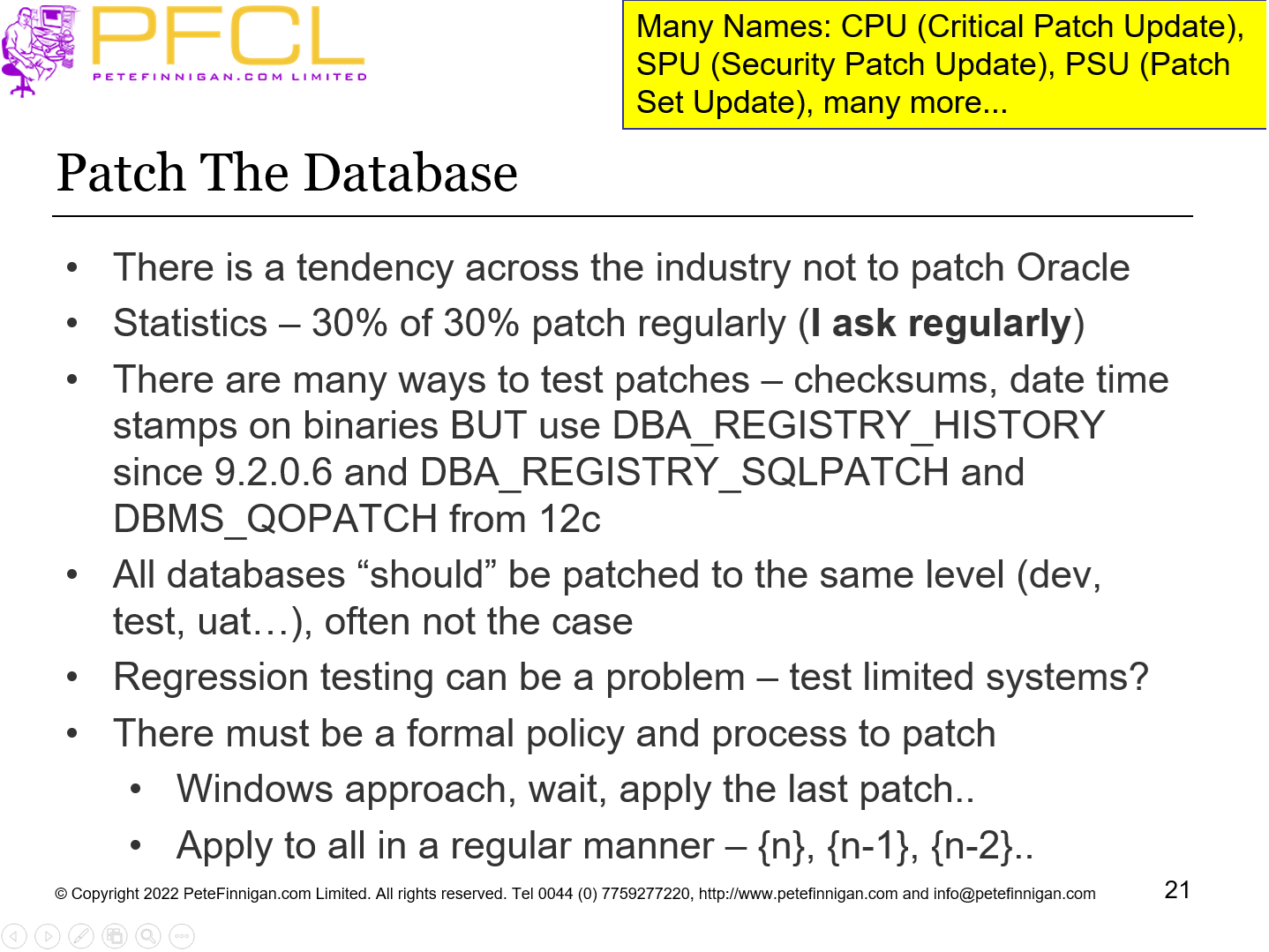
- There is a tendency across the industry not to patch Oracle
- Statistics – 30% of 30% patch regularly (I ask regularly)
- There are many ways to test patches – checksums, date time stamps on binaries BUT use DBA_REGISTRY_HISTORY since 9.2.0.6 and DBA_REGISTRY_SQLPATCH and DBMS_QOPATCH from 12c
- All databases “should” be patched to the same level (dev, test, uat…), often not the case
- Regression testing can be a problem – test limited systems?
- There must be a formal policy and process to patch
- Windows approach, wait, apply the last patch..
- Apply to all in a regular manner – {n}, {n-1}, {n-2}..
Many Names: CPU (Critical Patch Update), SPU (Security Patch Update), PSU (Patch Set Update), many more...
- Slide 22 - Harden The Database
-
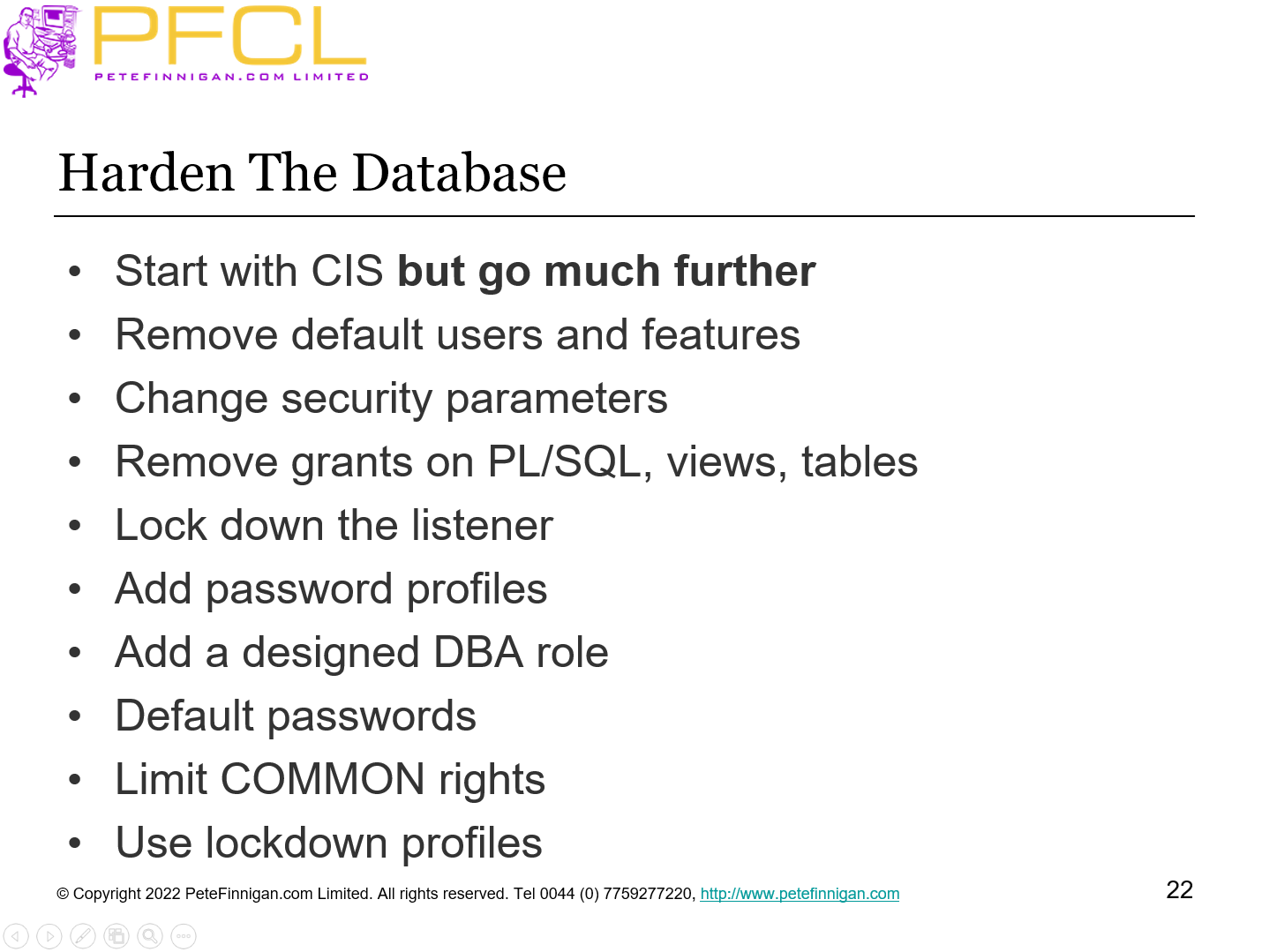
- Start with CIS but go much further
- Remove default users and features
- Change security parameters
- Remove grants on PL/SQL, views, tables
- Lock down the listener
- Add password profiles
- Add a designed DBA role
- Default passwords
- Limit COMMON rights
- Use lockdown profiles
- Slide 23 - Users, Passwords and Access
-
Users, Passwords and Access
- Slide 24 - Use Access
-
- I realised a long time ago that if we don’t let people connect to Oracle then its much harder to steal data as then the options are limited to
- Exploiting Oracle binaries or
- Exploiting an application
- Or stealing credentials
- This limit / control can be
- Block network access from any location now authorized for a user
- i.e. FRED can connect between 8am and 5pm Monday to Friday from IP….
- Ensure that logons are limited to only those that need them
- Slide 25 - Password Profiles
-
- All interactive users can have a profile to enforce strong passwords – no excuse
- Schemas where the password is embedded then move the password to “/” and use a password wallet the – take the password change hit once!
- Don’t have a verify function and no life time
- Don’t have a life time and no verify function
- Be careful of grace time
- Ensure all passwords are force changed
- Many more…
- Slide 26 - Least Privilege
-
Least Privilege
- Slide 27 - User Security
-
- In my experience of security auditing Oracle databases most users have the opposite of least privilege
- User accounts in databases should be designed to have exactly the privileges needed to do their job
- DBAs should not use DBA roles or system users
- Remove all duplicate users; users that are not used
- Remove excessive rights (system rights, Oracle roles, grants)
- Sod and CoI
- Remove duplicates privileges and create separation
- Applies to DBA, support, third party, normal users and release
- Slide 28 - Data Access Controls
-
Data Access Controls
- Slide 29 - Data Access Controls
-
- We must have access controls that lock the data to everyone (deny all) and then open the access only to the users that need it
- Table permissions are very granular a permission granted to a user is there all the time
- Table permissions to a role are there all the time but the role can be remove or disabled
- Data domains – allow privilege design and separate schemas
- Connection users (not to the schema) and lock schemas
- Ensure data security is in the database (VPD, RAS, Home grown)
- Control resources and privilege use (API) and separate schema
- Secure the application PL/SQL
- De-duplicate data
In the same way that users should have the least rights the controls to access data should be in the same way
- Slide 30 - Context Based Security
-
Context Based Security
- Slide 31 - Context Based Security
-
- Add identity – get/set, Oracle does not do this for you
- Add context based access to the database
- Context based DML
- Context based READ of data
- Context based code (API access)
- Implement Breakglass
- Slide 32 - What Do Cost Options Do?
-
- In general the cost options can provide deeper security or granularity or both
- Most cost options can be simulated to some level
- DV (don’t use the DBA role, use triggers and functions and more ) for realms
- Some cannot as easily be simulated
- TDE, ASO native encryption
- If we do for free there are gaps but it’s the only option in SE for instance
- Slide 33 - Additional Security Cost Options
-
- Database Vault – primary tool to protect against privilege accounts and to put realms around data/function
- Oracle Label Security - Allows data to be accessed by row level labels and the users current label access level
- Data Redaction (ASO) – Redact some data from end users – black like through data!
- Transparent Sensitive Data Protection – create classes of sensitive data to allow more centralised way of protecting sensitive data – uses VPD and Data Redaction
- Transparent Database Encryption – allows data to be encrypted at rest – either at tablespace level or at the column level
- Oracle Data Masking – find data to mangle / obfuscate and specify rules to then change that data – keeping referential integrity
- Audit Vault and Database Firewall– centralised database for audit storage including certificate based confirmation of data
Third party security solutions are also available (for a cost)
- Slide 34 - Secure The Core Database
-
- Secure the core database first using std features
- A security cost option is just an application
- The cost option (security application)
- Must be configured for your ideas / use. OOTB they usually do not do what you want
- Security option must be secured as well
- The interfaces, API, metadata, custom code
- i.e. in VPD if you make the predicate function public anyone can run it or if a user has ALTER SYSTEM then can set events 10060 or 10730
- Slide 35 - Context - DML Triggers
-
- Tables have a set of privileges granted to allow access to the credit data stored there but often this is not fine grained enough
- If we also want to prevent my ORABLOG user from changing, adding or deleting their own data we can use DML triggers – i.e. the application did not do the change
- The intention is to allow updates, inserts and deletes only from the BOF interface
- Therefore we can limit DML to only occur via the right interface
- All of these solutions need additional layers to prevent the solution from being removed and audit should be enabled
Demo: context_dml.sql
- Slide 36 - Adaptive Security
-
Adaptive Security
- Slide 37 - Adaptive Security
-
- No one really does this in Oracle but it is an interesting idea
- Create multiple levels of security defcon5, 4, 3, 2,1
- Use context based security
- Use audit as the identifier / trigger
- Run database under limited security normally day to day
- Detect an attack using audit or other means
- Enable much stronger levels of security in the current database
- Transmit this knowledge to other databases
- Use link or messaging or…
- Enable stronger security across all databases
- Risk; an attacker can simulate an attack to change security
- Slide 38 - Audit Trails
-
Audit Trails
- Slide 39 - Audit Trails
-
- Most sites do not use Oracle audit trails that I visit
- It is hard to set up a useful audit trail
- There are thousands and thousands of combinations of settings
- Set up basic audit trails that capture at least
- Connections
- User, role, profile, grant
- Changes to configuration
- Changes to security
- Use of critical functionality or data
- An attack i.e. SQL Injection
- Slide 40 - Work to a Plan
-
Work to a Plan
- Slide 41 - Security Can be Complex
-
- There are many possible gotchas that need to be considered as part of securing data in Oracle
- Adding layers of security can make access / work harder if not planned properly (password cannot be remembered if its no longer 3 characters!!)
- Security is also about people i.e.;
- DBAs must not use SYSDBA therefore you must define a suitable set of privileges for daily use
- Support or release must not use the schema paswd therefore lock the schema, use proxy and change release processes
In general you cannot just turn something ON or OFF unless you think about every consequence first – this does not mean we should not do it
- Slide 42 - Create a Data Security Policy
-
- Do not create hardening guides or use guides such as CIS that focus only on hardening and patching
- Create a data security policy
- A global business policy first
- Can have sections focused on each Database and server platform
- Must have rules that limit access and control access to data no matter the storage (Database, file system, …)
- Include patching, hardening, data security, even adaptive security
- Understand your budget
- Slide 43 - Conclusions
-
- Focus on data first
- Find the data
- Build layers of security around the data
- Consider the budget
- Be clever and target layers to spend less and achieve more
- Slide 44 - Questions
-
Questions
- Slide 45 - Create Onion Layers of Security
-
Create Onion Layers of Security