


SQL Firewall 23c
This is my presentation to the UKOUG last December on how to protect your Database with SQL Firewall in 23c
- Protect your Database with SQL Firewall in 23c
-
- Slide 2 - Legal notice
-
Protect your Database with SQL Firewall in 23c
Published by
PeteFinnigan.com Limited
Tower Court
3 Oakdale Road
York
England, YO30 4XL
Copyright © 2025 by PeteFinnigan.com Limited
No part of this publication may be stored in a retrieval system, reproduced or transmitted in any form by any means, electronic, mechanical, photocopying, scanning, recording, or otherwise except as permitted by local statutory law, without the prior written permission of the publisher. In particular this material may not be used to provide training of any type or method. This material may not be translated into any other language or used in any translated form to provide training. Requests for permission should be addressed to the above registered address of PeteFinnigan.com Limited in writing.
Limit of Liability / Disclaimer of warranty. This information contained in this course and this material is distributed on an “as-is” basis without warranty. Whilst every precaution has been taken in the preparation of this material, neither the author nor the publisher shall have any liability to any person or entity with respect to any loss or damage caused or alleged to be caused directly or indirectly by the instructions or guidance contained within this course.
TradeMarks. Many of the designations used by manufacturers and resellers to distinguish their products are claimed as trademarks. Linux is a trademark of Linus Torvalds, Oracle is a trademark of Oracle Corporation. All other trademarks are the property of their respective owners. All other product names or services identified throughout the course material are used in an editorial fashion only and for the benefit of such companies with no intention of infringement of the trademark. No such use, or the use of any trade name, is intended to convey endorsement or other affiliation with this course.
- Slide 3 - Background
-
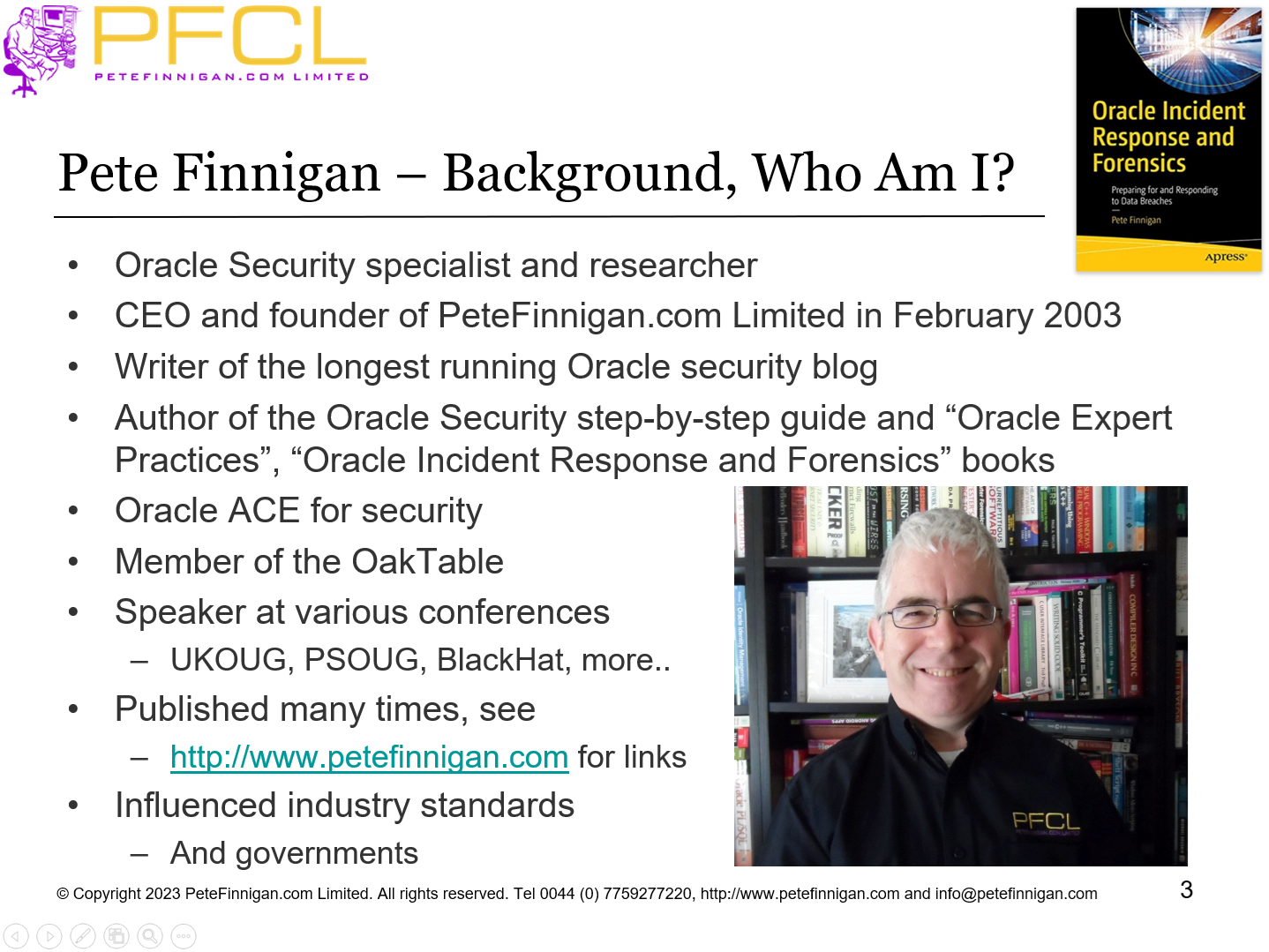
Pete Finnigan – Background, Who Am I?
- Oracle Security specialist and researcher
- CEO and founder of PeteFinnigan.com Limited in February 2003
- Writer of the longest running Oracle security blog
- Author of the Oracle Security step-by-step guide and “Oracle Expert Practices”, “Oracle Incident Response and Forensics” books
- Oracle ACE for security
- Member of the OakTable, SYM 42
- Speaker at various conferences UKOUG, PSOUG, BlackHat, more..
- Published many times, see http://www.petefinnigan.com for links
- Slide 4 - Agenda
-
- What is the SQL Firewall
- Why use the SQL Firewall
- Set up the data
- Set up SQL Firewall and Training
- Testing
- Hacking
- SQL Firewall Management
- Slide 5 - What is the SQL Firewall?
-
What is the SQL Firewall?
- Slide 6 - What is the SQL Firewall
-
- “The SQL Firewall blocks non-authorized SQL or PL/SQL”
- We can expand that to “The SQL Firewall monitors and / or blocks non-authorized SQL or PL/SQL”
- This started as the Secerno product and became Oracles database firewall
- Now embedded in the database SQL engine in 23c
- Slide 7 - Why Use the SQL Firewall?
-
Why Use the SQL Firewall?
- Slide 8 - Database Security
-
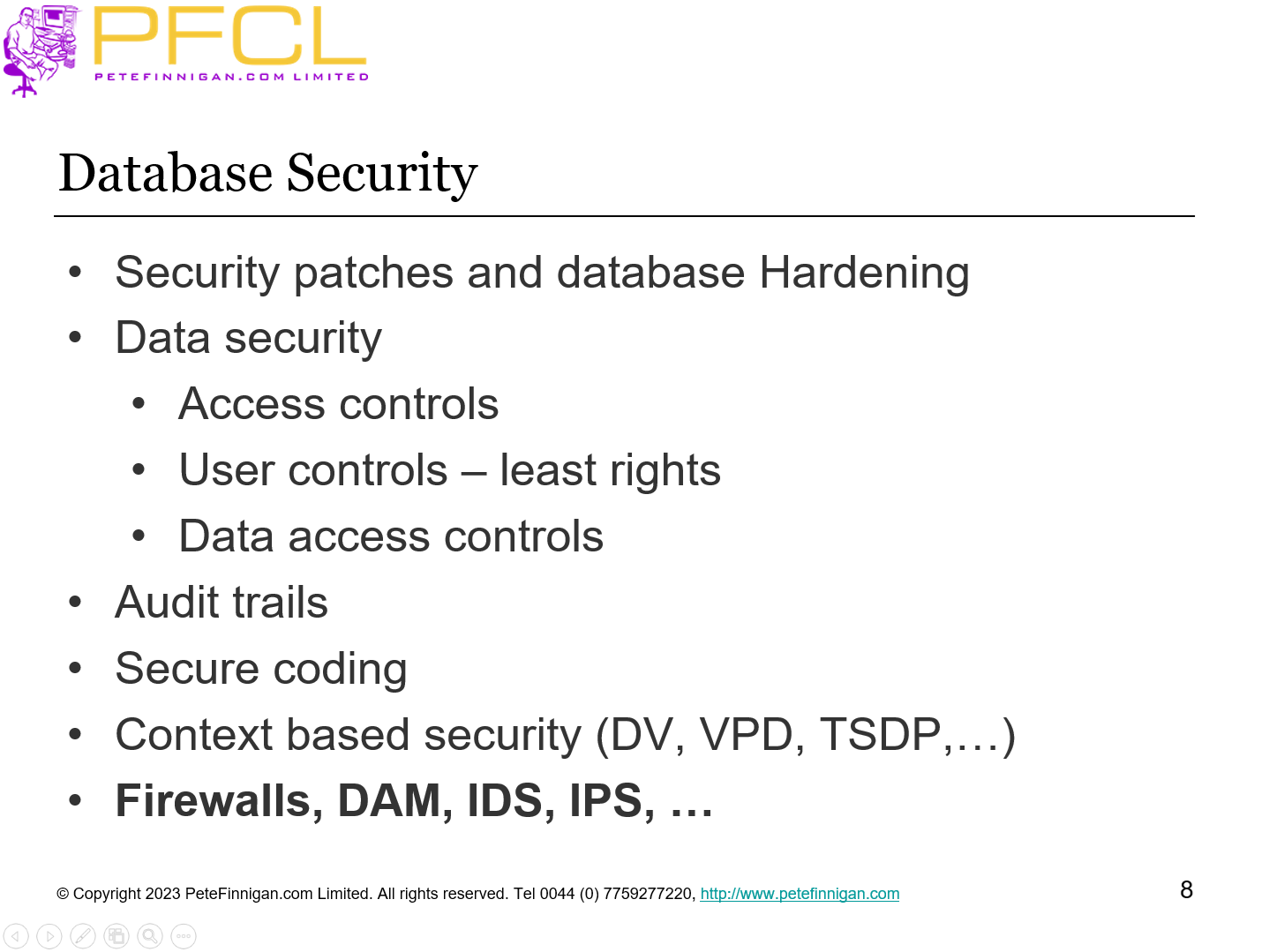
- Security patches and database Hardening
- Data security
- Access controls
- User controls – least rights
- Data access controls
- Audit trails
- Secure coding
- Context based security (DV, VPD, TSDP,…)
- Firewalls, DAM, IDS, IPS, …
- Slide 9 - SQL Firewall is the Last Step
-
- We must implement all of the other layers of data security to protect data first
- SQL Firewall is the final layer on top of other data security and auditing
- We should not rely just on the SQL Firewall
- It is based on “good/bad” SQL
- We must tell it what is good
- Slide 10 - License?
-
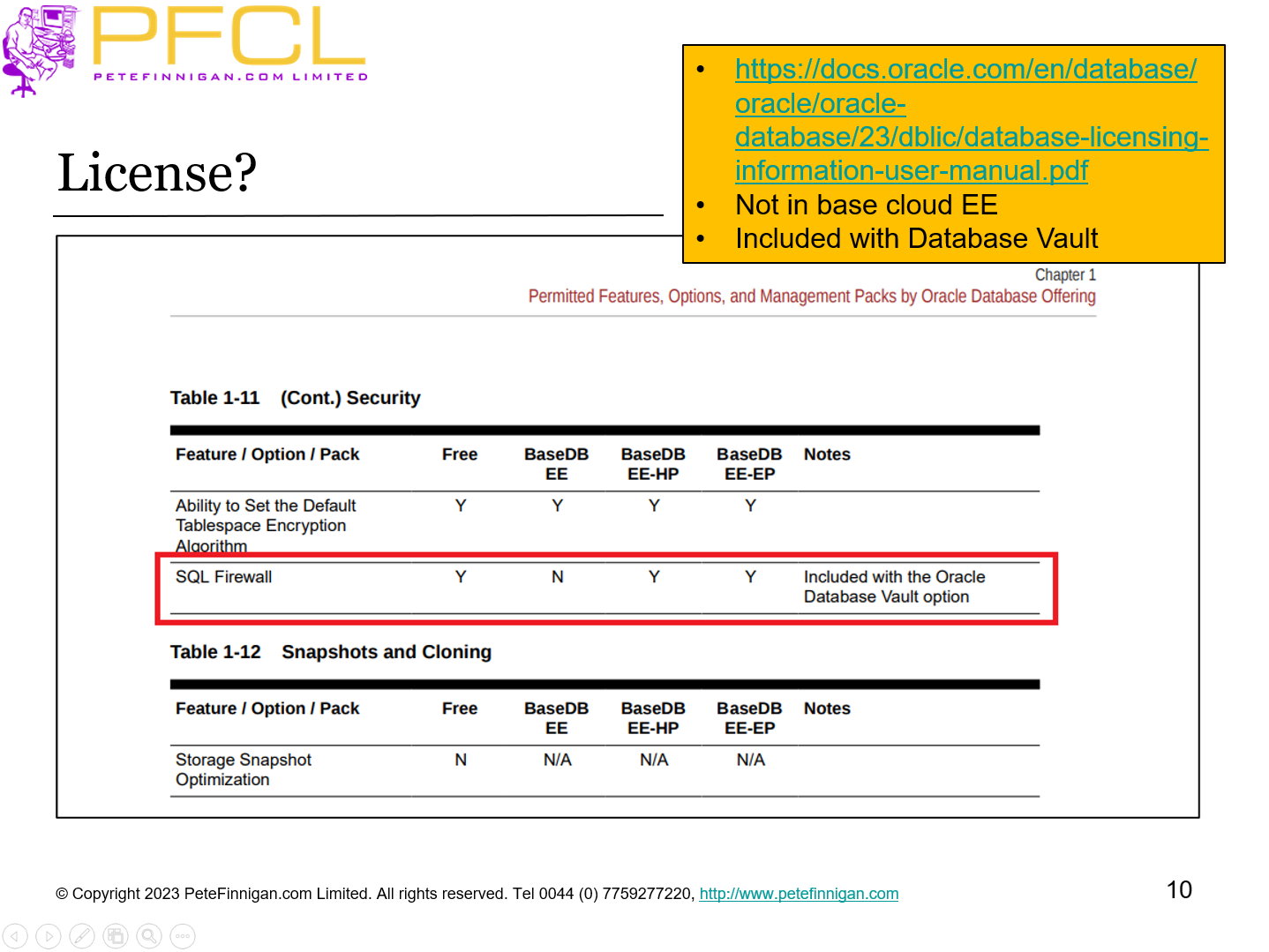
- https://docs.oracle.com/en/database/oracle/oracle-database/23/dblic/database-licensing-information-user-manual.pdf
- Not in base cloud EE
- Included with Database Vault
- Slide 11 - Set up the Data
-
Set up the Data
- Slide 12 - SQL Firewall Permissions - 1
-
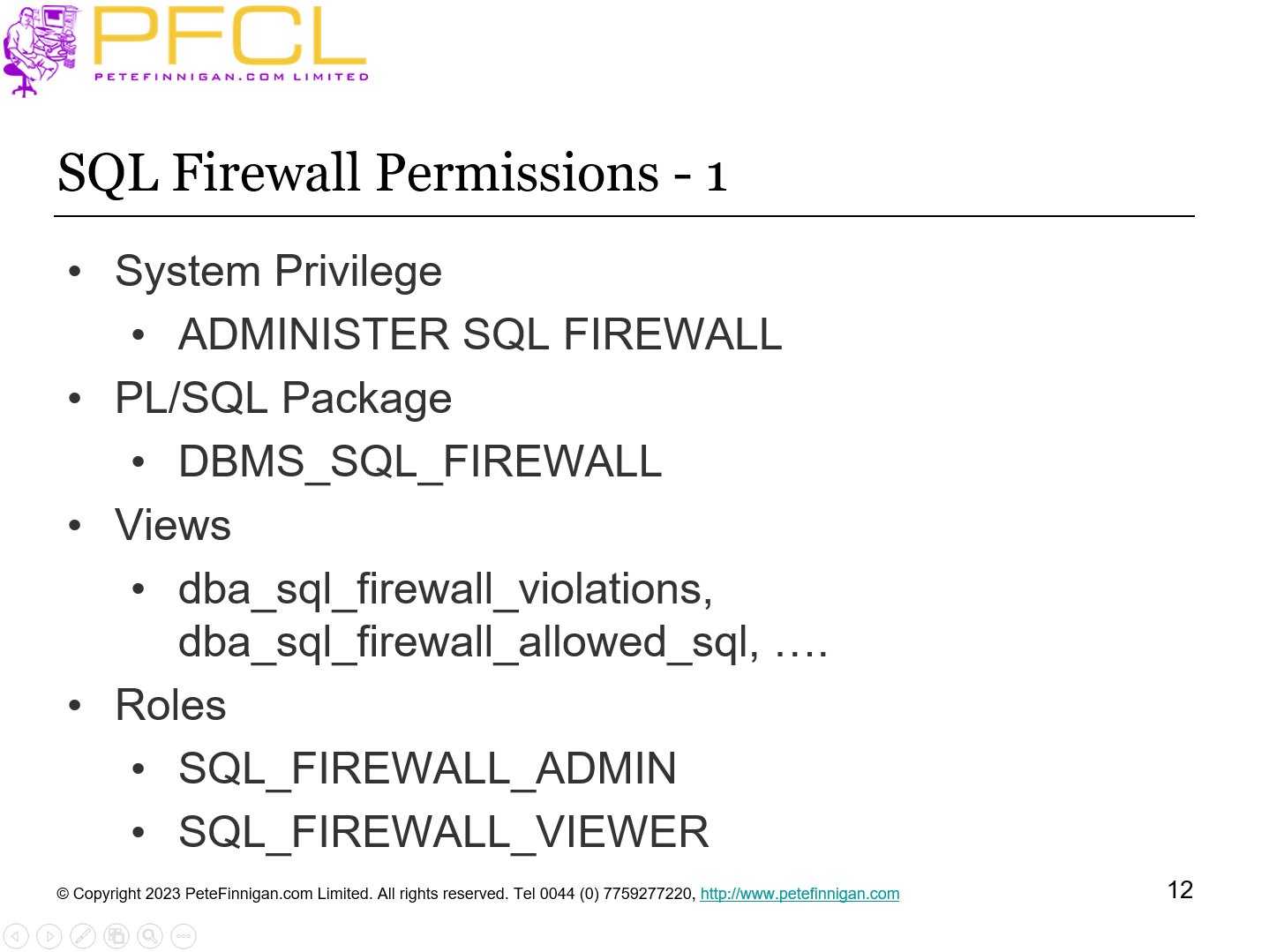
- System Privilege
- ADMINISTER SQL FIREWALL
- PL/SQL Package
- DBMS_SQL_FIREWALL
- Views
- dba_sql_firewall_violations, dba_sql_firewall_allowed_sql, ….
- Roles
- SQL_FIREWALL_ADMIN
- SQL_FIREWALL_VIEWER
- Slide 13 - SQL Firewall Permissions - 2
-
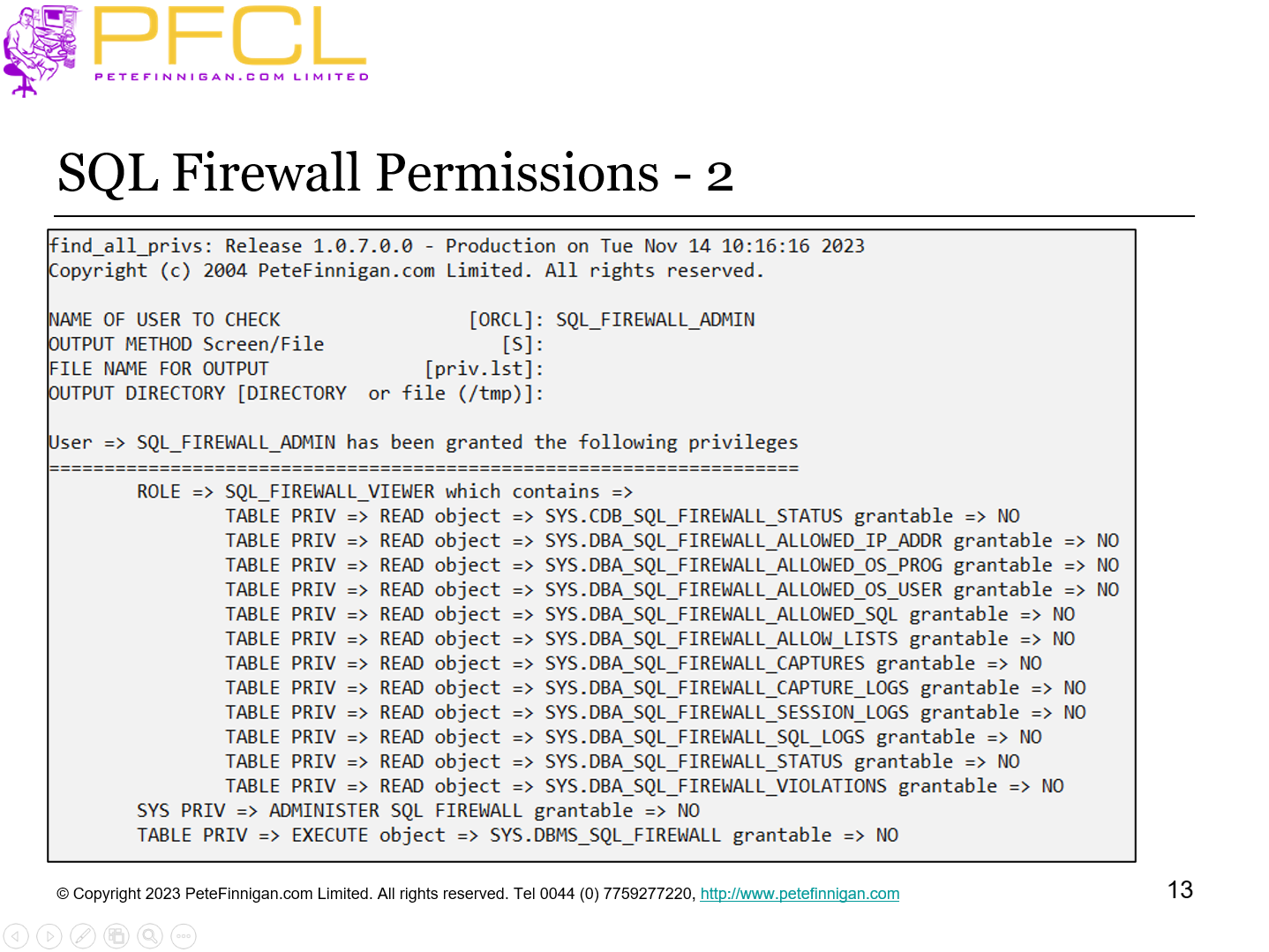
SQL Firewall Permissions - 2
- Slide 14 - Set up Test Data
-
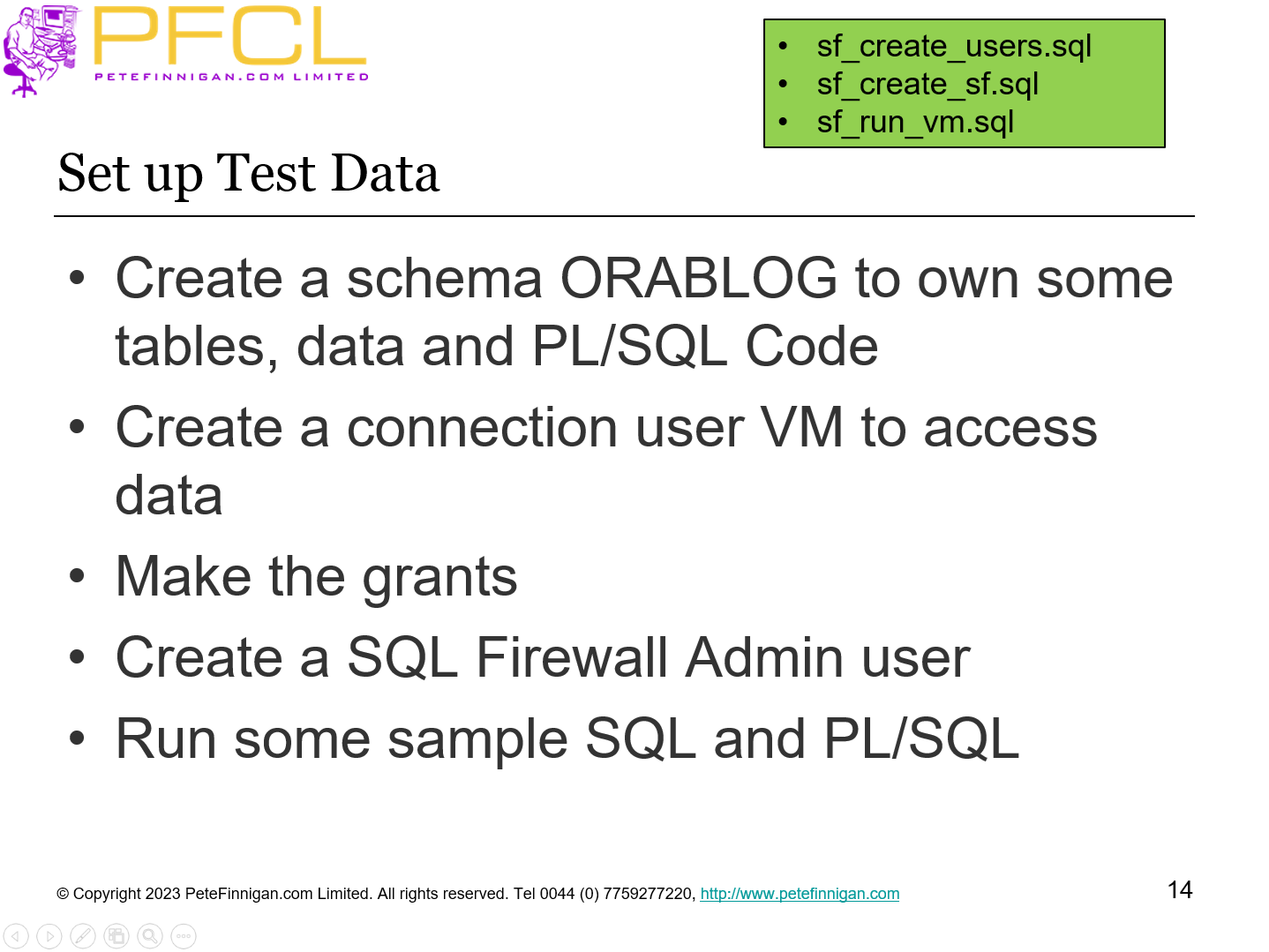
- Create a schema ORABLOG to own some tables, data and PL/SQL Code
- Create a connection user VM to access data
- Make the grants
- Create a SQL Firewall Admin user
- Run some sample SQL and PL/SQL
- sf_create_users.sql
- sf_create_sf.sql
- sf_run_vm.sql
- Slide 15 - Set up SQL Firewall and Training
-
Set up SQL Firewall and Training
- Slide 16 - Enable the SQL Firewall
-
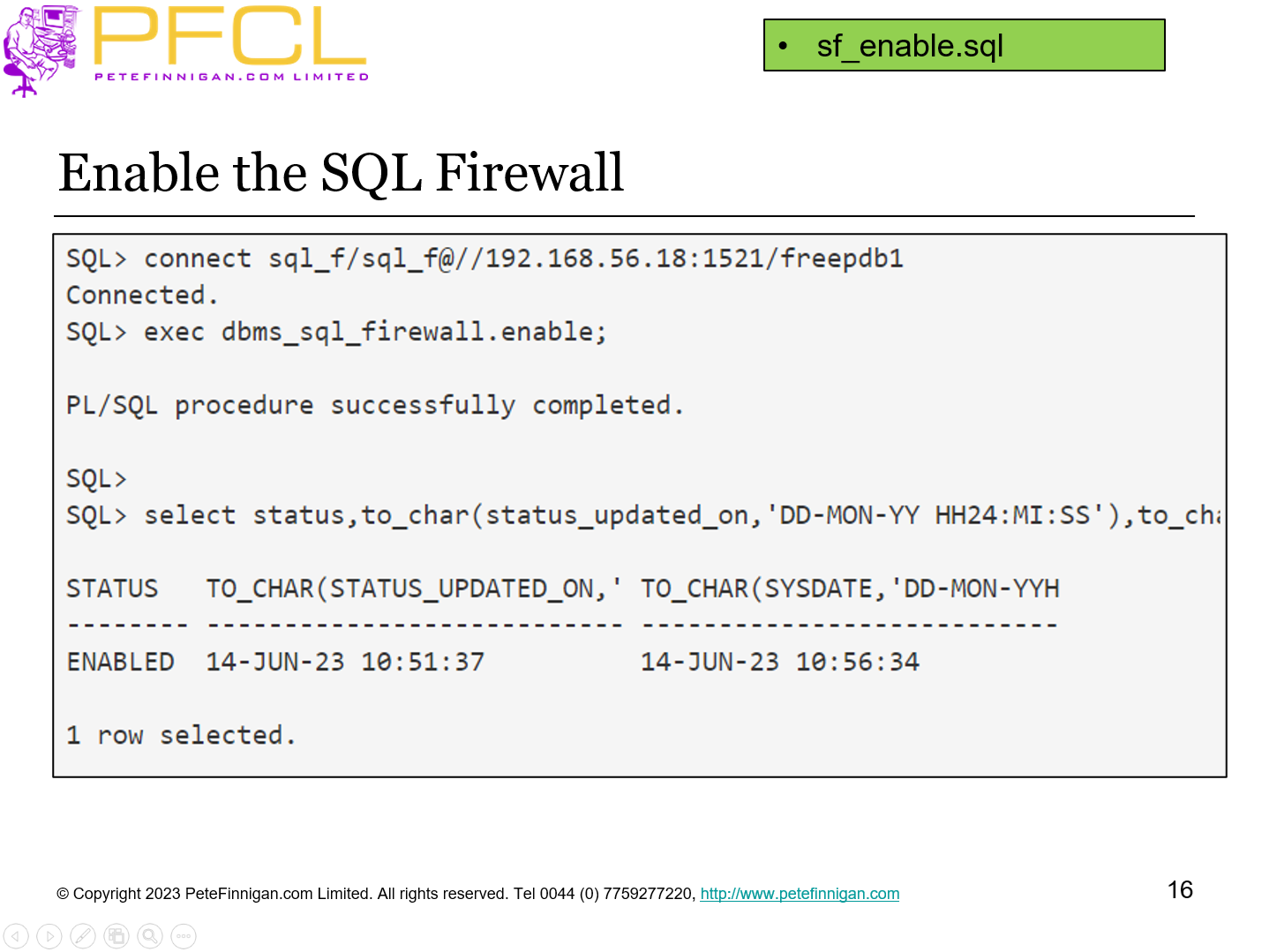
sf_enable.sql
- Slide 17 - Set up the Capture
-
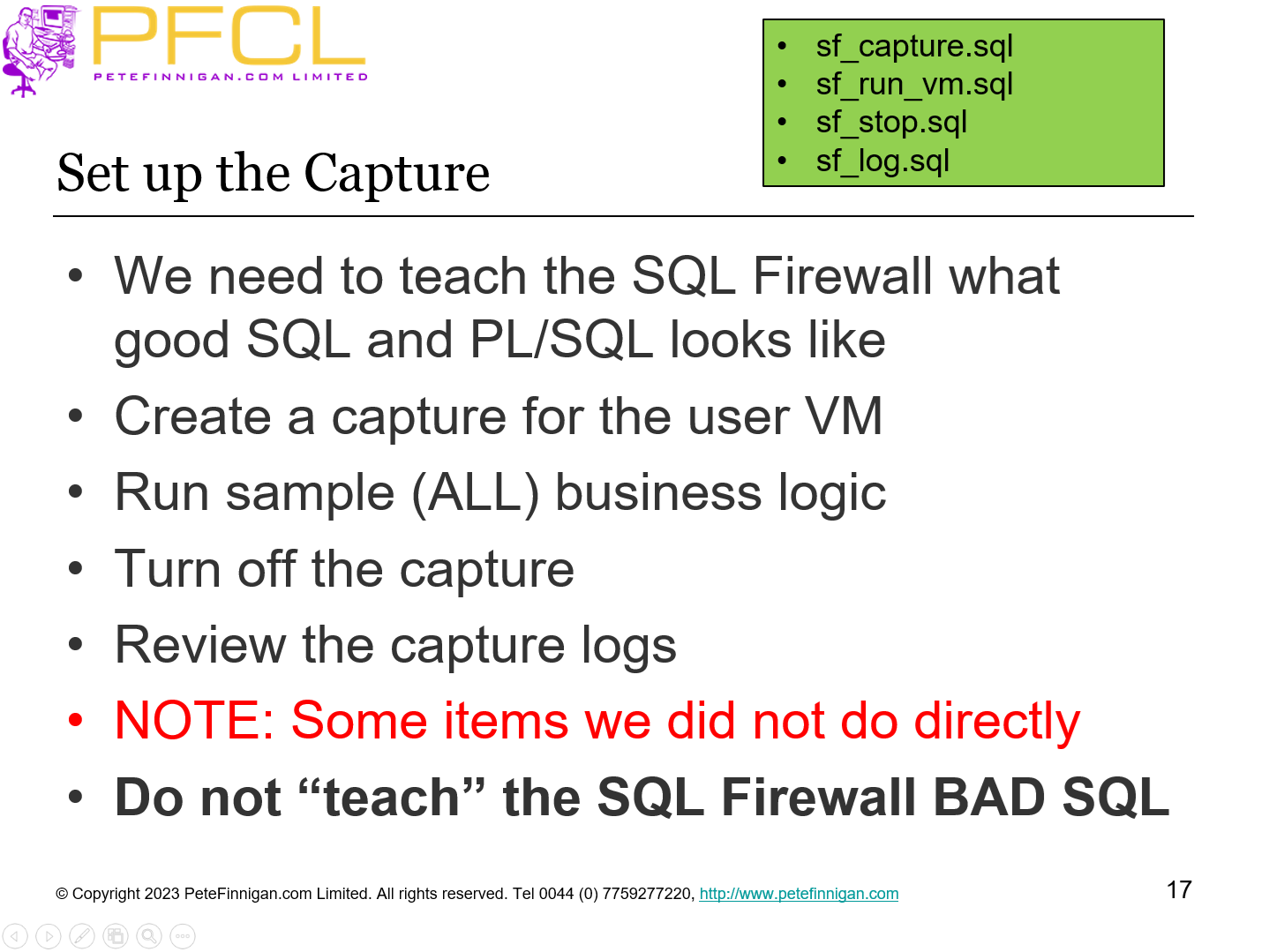
- We need to teach the SQL Firewall what good SQL and PL/SQL looks like
- Create a capture for the user VM
- Run sample (ALL) business logic
- Turn off the capture
- Review the capture logs
- NOTE: Some items we did not do directly
- Do not “teach” the SQL Firewall BAD SQL
- sf_capture.sql
- sf_run_vm.sql
- sf_stop.sql
- sf_log.sql
- Slide 18 - Session Logs
-
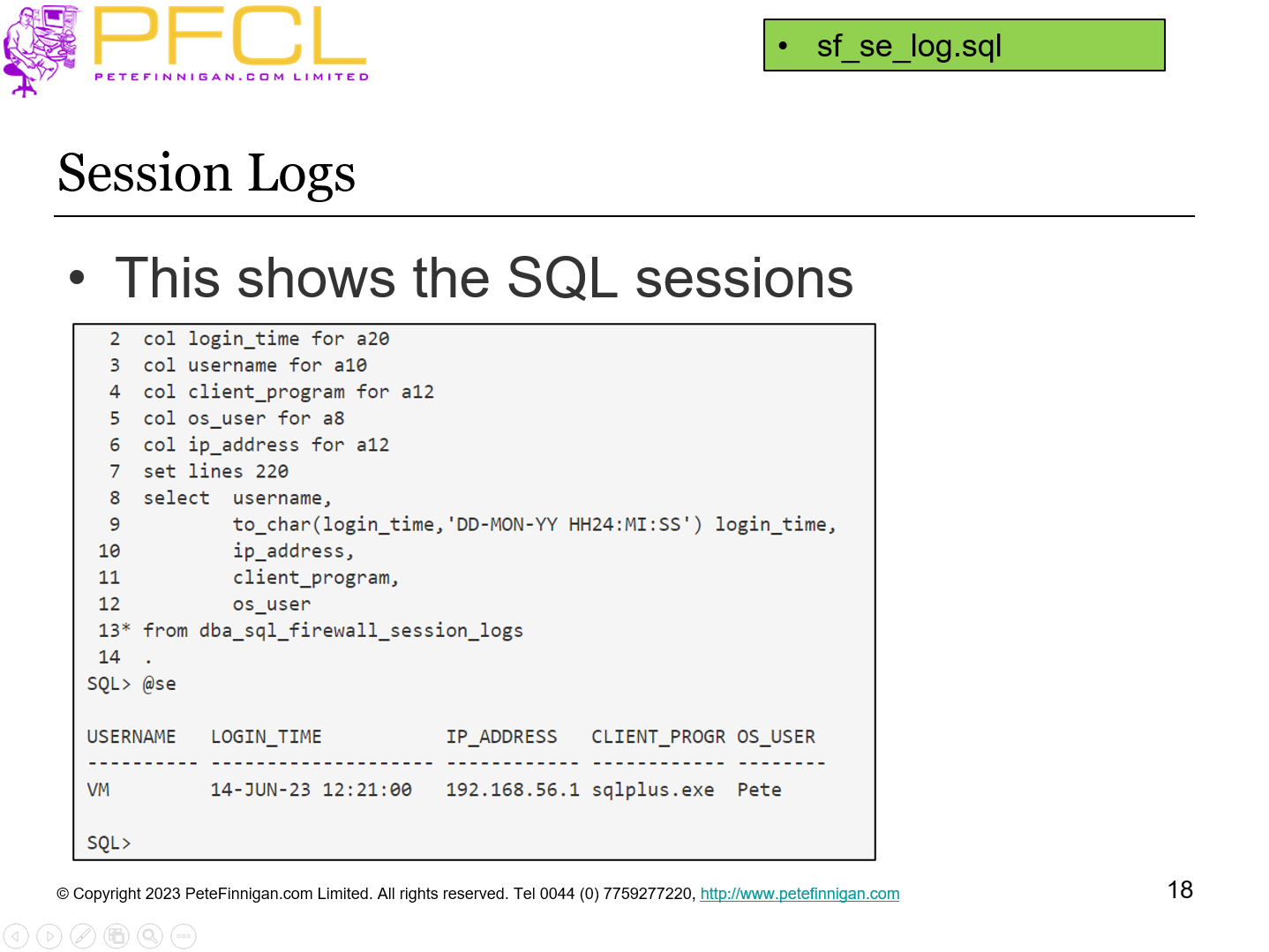
This shows the SQL sessions
sf_se_log.sql
- Slide 19 - Create the Allow List
-
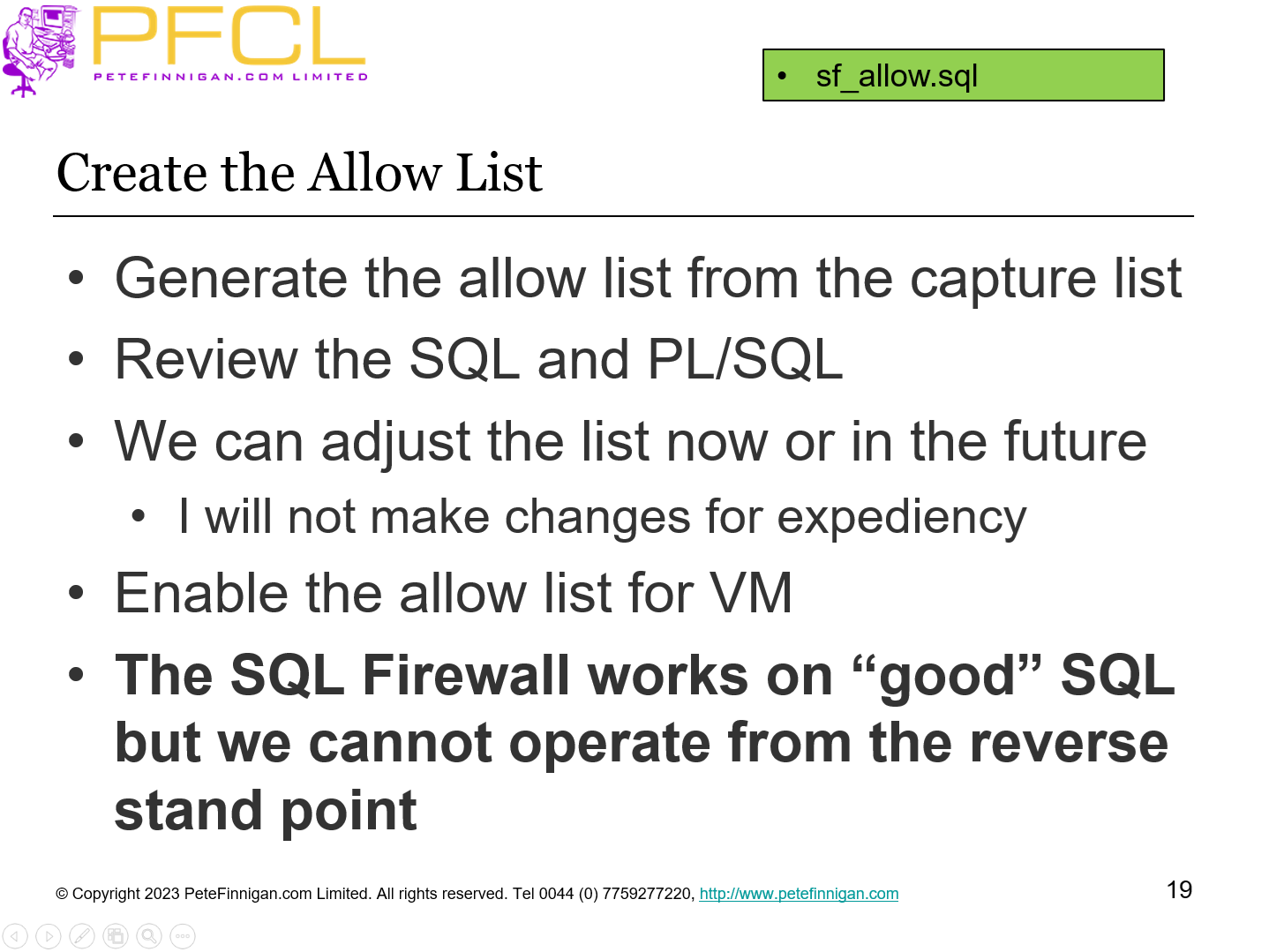
- Generate the allow list from the capture list
- Review the SQL and PL/SQL
- We can adjust the list now or in the future
- I will not make changes for expediency
- Enable the allow list for VM
- The SQL Firewall works on “good” SQL but we cannot operate from the reverse stand point
sf_allow.sql
- Slide 20 - Testing
-
Testing
- Slide 21 - Check for Violations
-
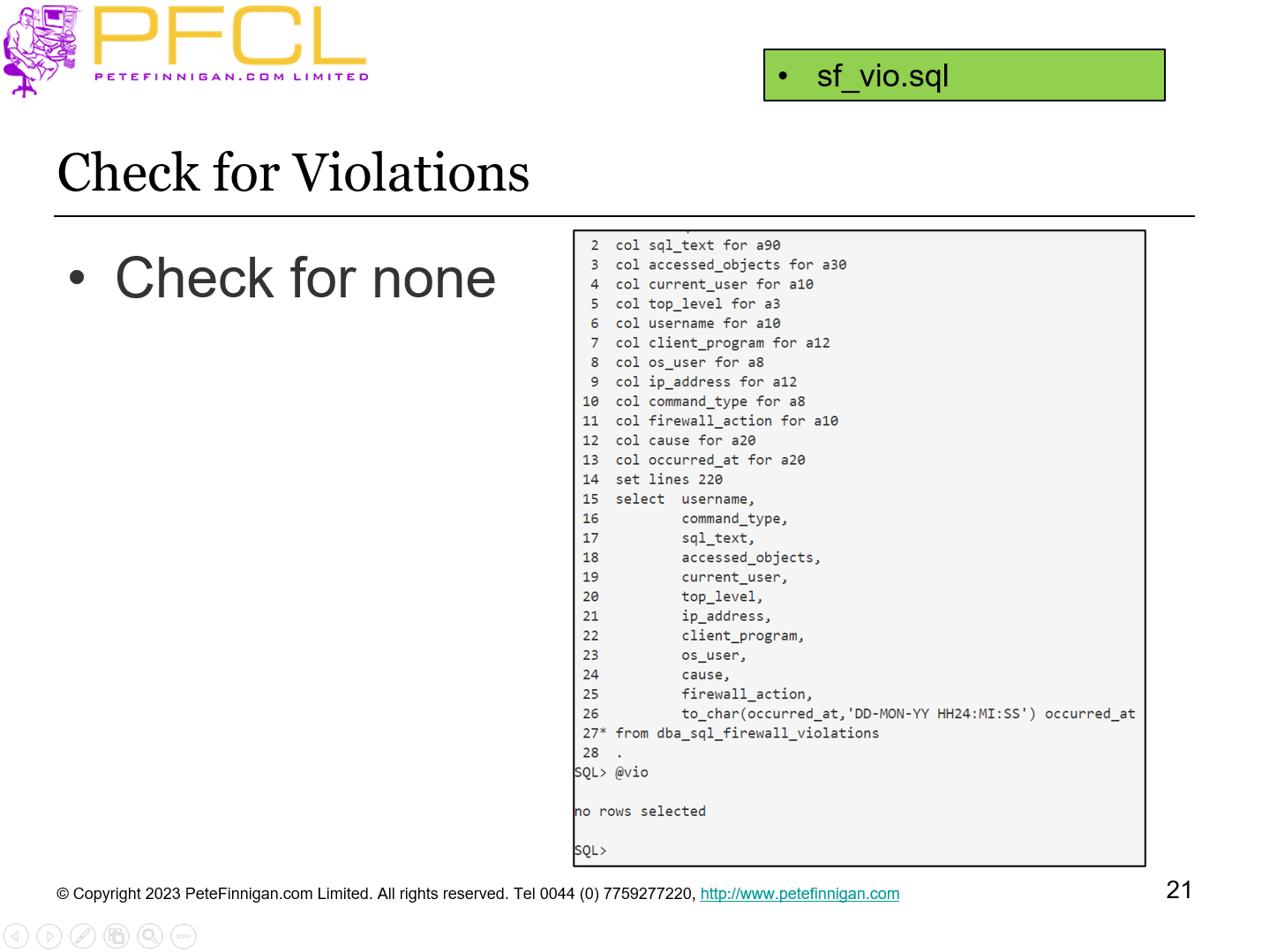
Check for none
sf_vio.sql
- Slide 22 - Testing
-
- Run normal business actions
- Test the application works
- Test that no SQL Firewall violations are found
- Adjust the rules, contexts if necessary
sf_run_vm.sql
- Slide 23 - Hacking
-
Hacking
- Slide 24 - Try and Abuse the Database
-
- Try an INSERT statement that is not allowed by the SQL Firewall
- Try an UPDATE not allowed by database permissions
- Try a SELECT not allowed by permissions
- The INSERT is blocked by the firewall but the other two return database errors as normal
- sf_run.sql
- sf_vio.sql
- Slide 25 - Hack The Database
-
- Test some SQL injection to access tables and views not allowed by the firewall but allowed for ORABLOG and not VM
- Show direct access to the same tables / views as VM directly
- The SQL Injection is not blocked
- The direct view access is
- To block SQL Injection we need to relearn with not TOP LEVEL ONLY
- sf_hack.sql
- sf_hack1.sql
- sf_vio.sql
- Slide 26 - More Testing
-
- Test access to the same data as VM via a synonym
- Test access to the same data via a view
- Test creation of a view
- Test describe of a table allowed by the firewall
- sf_syn.sql
- sf_view.sql
- sf_desc.sql
- sf_vio.sql
- Slide 27 - Additions
-
Additions
- Slide 28 - Proxy
-
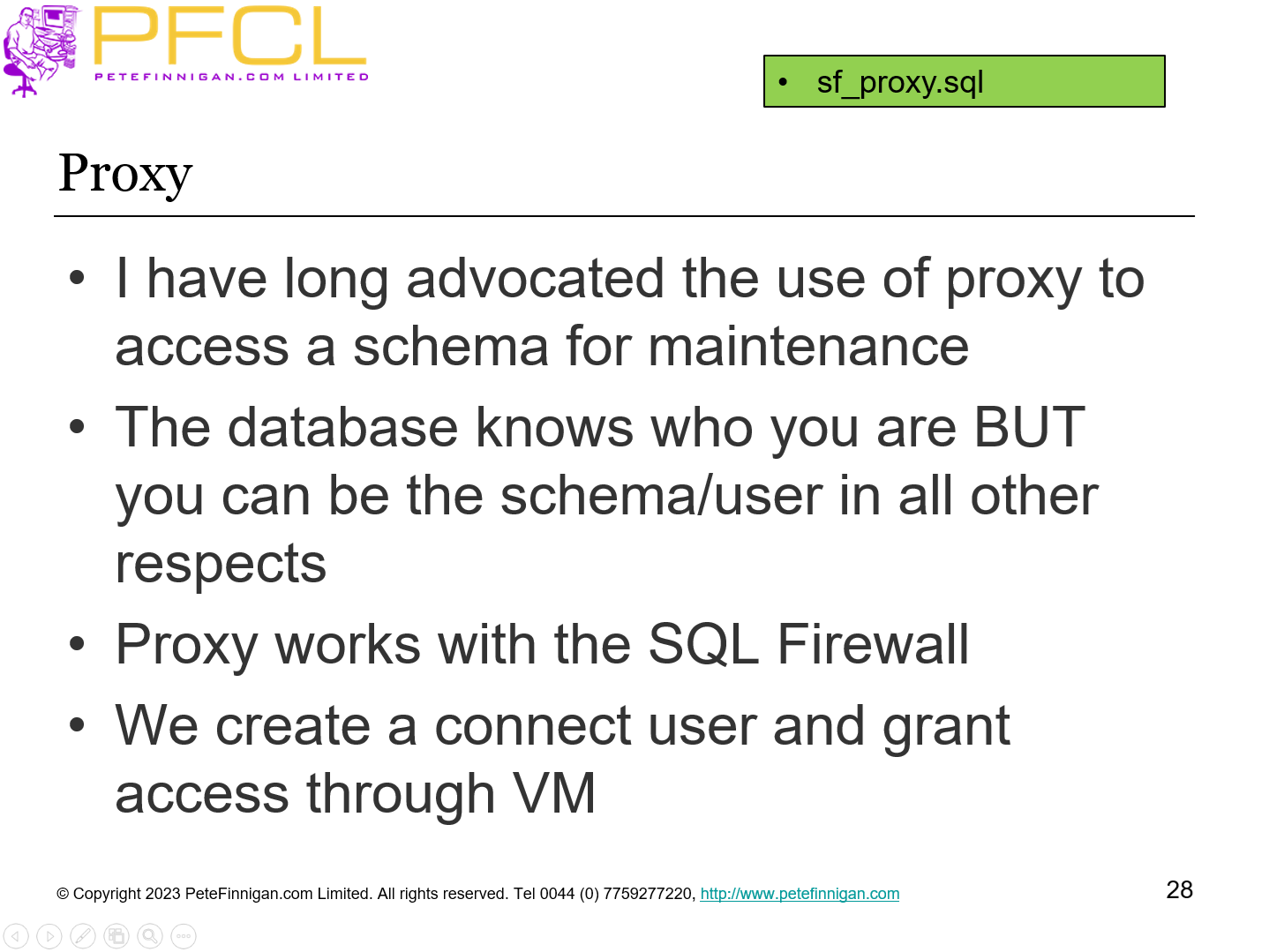
- I have long advocated the use of proxy to access a schema for maintenance
- The database knows who you are BUT you can be the schema/user in all other respects
- Proxy works with the SQL Firewall
- We create a connect user and grant access through VM
sf_proxy.sql
- Slide 29 - Proxy Issue
-
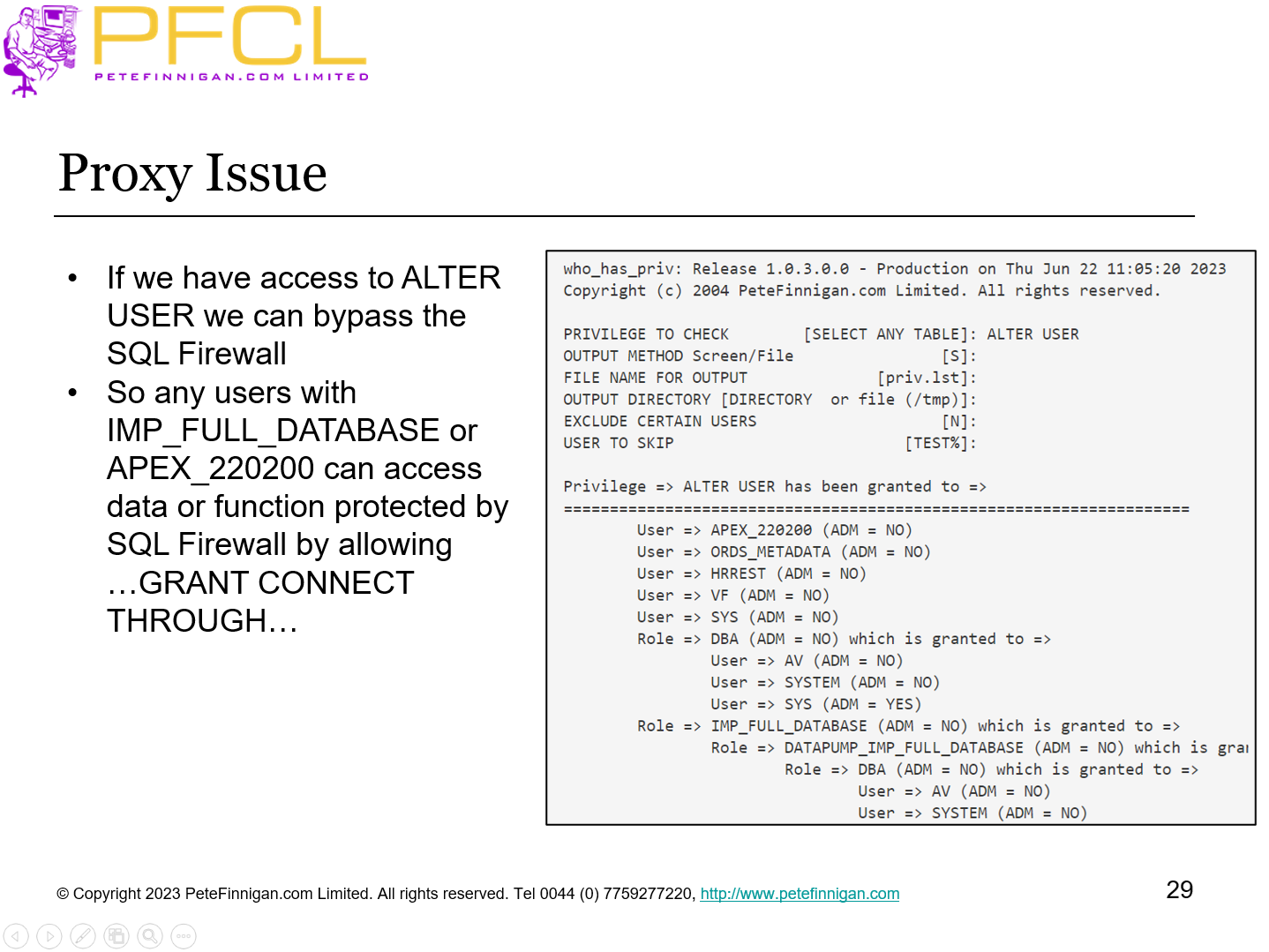
- If we have access to ALTER USER we can bypass the SQL Firewall
- So any users with IMP_FULL_DATABASE or APEX_220200 can access data or function protected by SQL Firewall by allowing …GRANT CONNECT THROUGH…
- Slide 30 - SQL Firewall Management
-
SQL Firewall Management
- Slide 31 - Manage the SQL Firewall
-
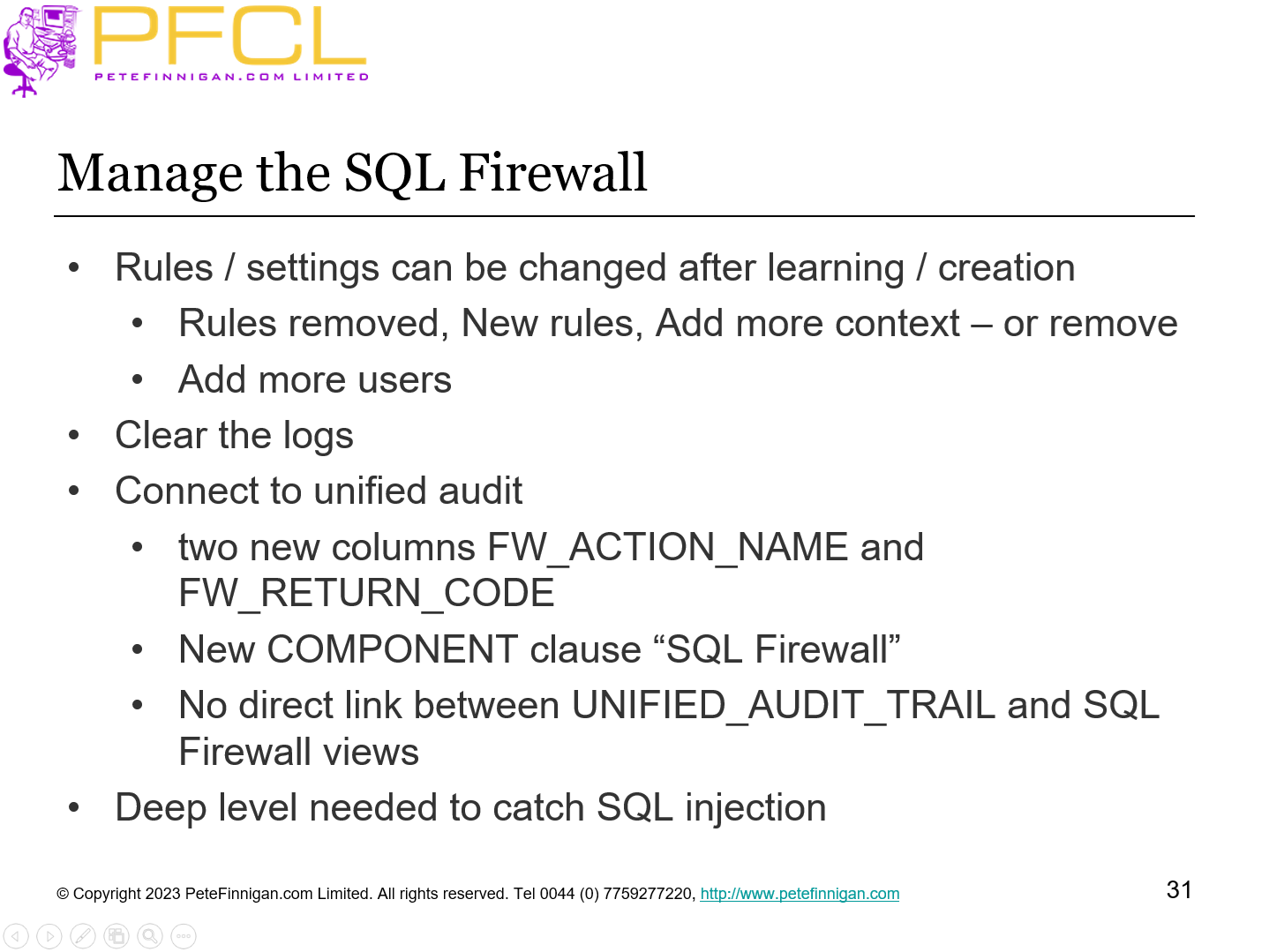
- Rules / settings can be changed after learning / creation
- Rules removed, New rules, Add more context – or remove
- Add more users
- Clear the logs
- Connect to unified audit
- two new columns FW_ACTION_NAME and FW_RETURN_CODE
- New COMPONENT clause “SQL Firewall”
- No direct link between UNIFIED_AUDIT_TRAIL and SQL Firewall views
- Deep level needed to catch SQL injection
- Slide 32 - Checking the SQL Firewall Status
-
We can query all of the SQL Firewall views to check the status of the firewall, captures, allows and logs
sf_status.sql
- Slide 33 - SQL Firewall Management
-
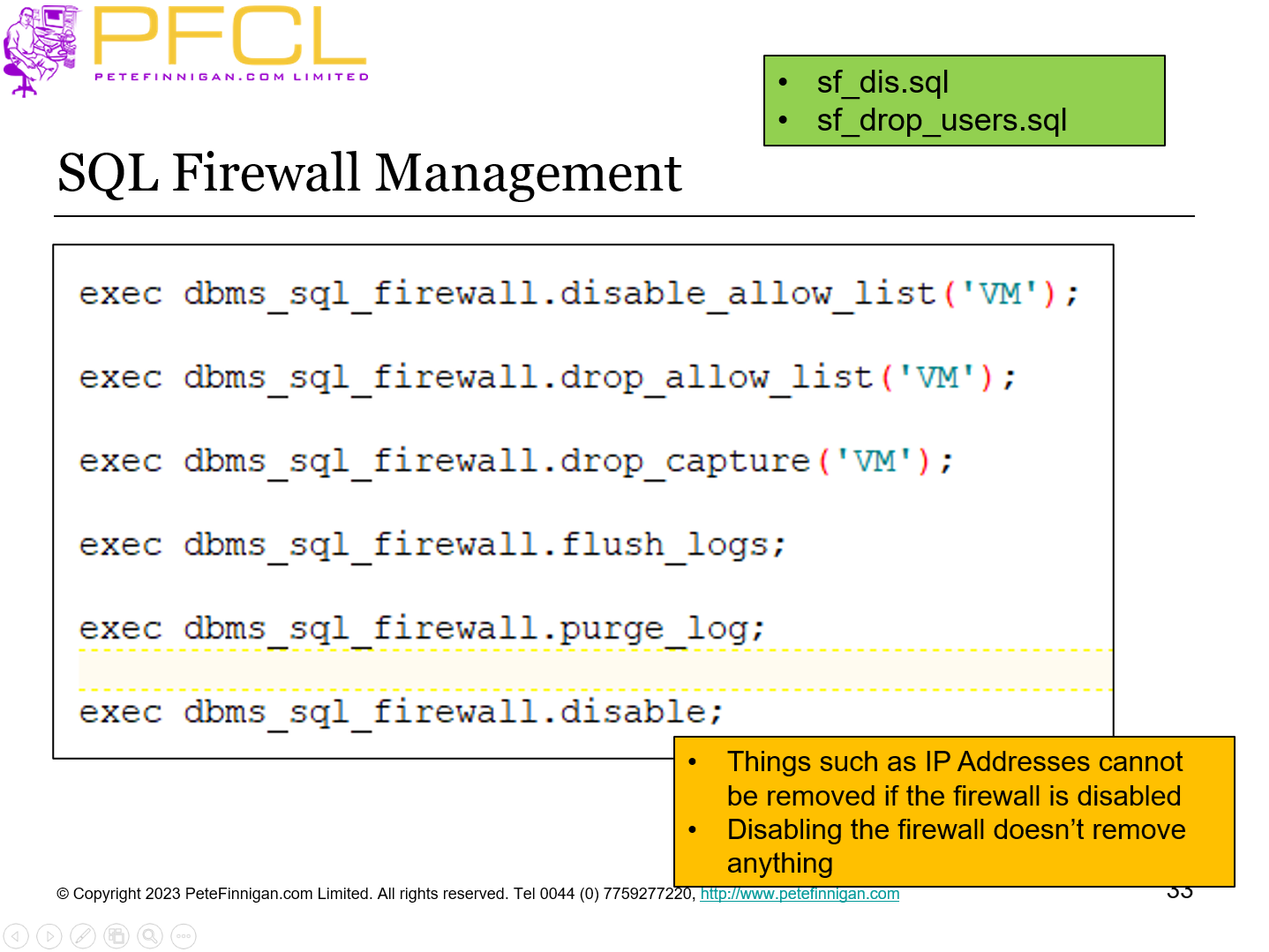
- Things such as IP Addresses cannot be removed if the firewall is disabled
- Disabling the firewall doesn’t remove anything
- sf_dis.sql
- sf_drop_users.sql
- Slide 34 - Conclusions
-
- Complex
- Doesn’t look like its free for lower versions
- Its very specific to users, context and SQL
- Do not train hacking
- Do not use instead of data security
- All actions must be learned – i.e. known in advance
- Will need a lot of maintenance
- Allow / disallow
- Slide 35 - Questions
-
Questions
- Slide 36 - Protect your Database with SQL Firewall in 23c
-
Protect your Database with SQL Firewall in 23c