


Top 10 Things to Security Review in an Oracle Database
This is my presentation to the UKOUG in december 2024 on the Top 10 Things to Security Review in an Oracle Database.
- Slide 1 - Top 10 Things to Security Review in an Oracle Database
-
- Slide 2 - Legal notice
-
Top 10 Things to Security Review in an Oracle Database
Published by
PeteFinnigan.com Limited
Tower Court
3 Oakdale Road
York
England, YO30 4XL
Copyright © 2025 by PeteFinnigan.com Limited
No part of this publication may be stored in a retrieval system, reproduced or transmitted in any form by any means, electronic, mechanical, photocopying, scanning, recording, or otherwise except as permitted by local statutory law, without the prior written permission of the publisher. In particular this material may not be used to provide training of any type or method. This material may not be translated into any other language or used in any translated form to provide training. Requests for permission should be addressed to the above registered address of PeteFinnigan.com Limited in writing.
Limit of Liability / Disclaimer of warranty. This information contained in this course and this material is distributed on an “as-is” basis without warranty. Whilst every precaution has been taken in the preparation of this material, neither the author nor the publisher shall have any liability to any person or entity with respect to any loss or damage caused or alleged to be caused directly or indirectly by the instructions or guidance contained within this course.
TradeMarks. Many of the designations used by manufacturers and resellers to distinguish their products are claimed as trademarks. Linux is a trademark of Linus Torvalds, Oracle is a trademark of Oracle Corporation. All other trademarks are the property of their respective owners. All other product names or services identified throughout the course material are used in an editorial fashion only and for the benefit of such companies with no intention of infringement of the trademark. No such use, or the use of any trade name, is intended to convey endorsement or other affiliation with this course.
- Slide 3 - Background
-

Pete Finnigan – Background, Who Am I?
- Oracle Security specialist and researcher
- CEO and founder of PeteFinnigan.com Limited in February 2003
- Writer of the longest running Oracle security blog
- Author of the Oracle Security step-by-step guide and “Oracle Expert Practices”, “Oracle Incident Response and Forensics” books
- Oracle ACE for security
- Member of the OakTable, SYM 42
- Speaker at various conferences UKOUG, PSOUG, BlackHat, more..
- Published many times, see http://www.petefinnigan.com for links
- Slide 4 - Agenda
-
- Background
- Checklists
- Data Security
- The top 10
- Slide 5 - Security Background
-
Security Background
- Slide 6 - Introduction
-
- I help customers secure their data
- When I explain all elements that could be done customers are overwhelmed (at first)
- Some customers use check lists like CIS
- OK as a start
- Not OK as a long term as these do not secure data
- Some ask me whats the top 3, 5, 10 things we can do
- They look for an easy way out
- There is not a simple check list that secures all and any data
- Slide 7 - CIS Benchmarks
-
- CIS Offer benchmarks for Oracle; You can download these for free from https://benchmarks.cisecurity.org/downloads/latest/
- There are a number of versions
- V 1.2 – Oracle 8i
- V 2.01 – 9i and 10g
- V 11 – 11gR2 v1.0 – much different and similar to earlier
- V11gR2 1.0 and 2.2 (2012 and May 2016)
- V12cr2 v3 (versions 12.1 and older 12.2 not available)
- 18c and 19c V1
- ASM, CDB mooted but never seen
- The earlier ones include policy, least privilege, questions, OS and networking, data security
- Only the RED BOLD ones are now available – 5 in total
- Slide 8 - CIS 11g and 12c/18c/19c Benchmarks Compared
-
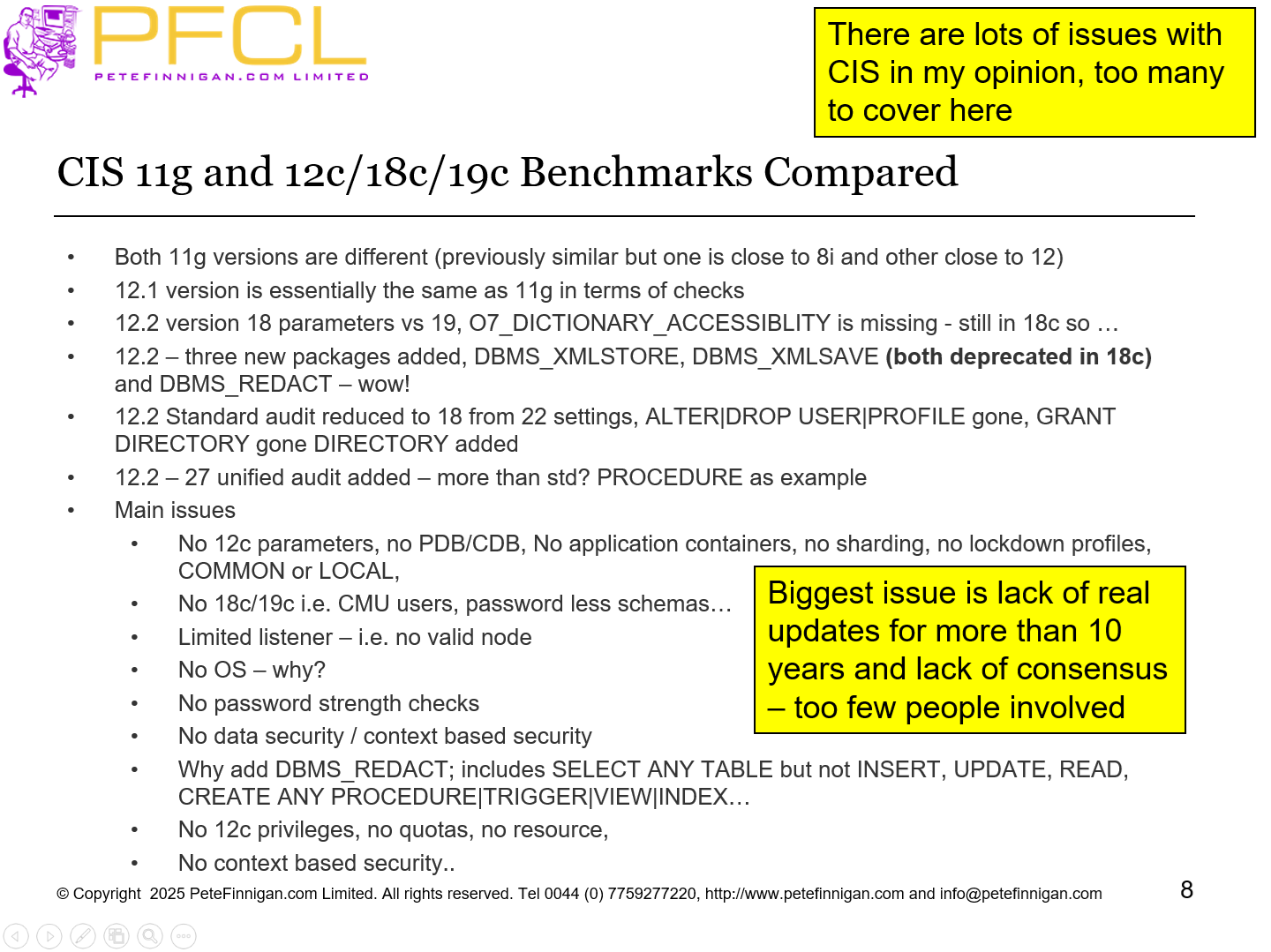
- Both 11g versions are different (previously similar but one is close to 8i and other close to 12)
- 12.1 version is essentially the same as 11g in terms of checks
- 12.2 version 18 parameters vs 19, O7_DICTIONARY_ACCESSIBLITY is missing - still in 18c so …
- 12.2 – three new packages added, DBMS_XMLSTORE, DBMS_XMLSAVE (both deprecated in 18c) and DBMS_REDACT – wow!
- 12.2 Standard audit reduced to 18 from 22 settings, ALTER|DROP USER|PROFILE gone, GRANT DIRECTORY gone DIRECTORY added
- 12.2 – 27 unified audit added – more than std? PROCEDURE as example
- Main issues
- No 12c parameters, no PDB/CDB, No application containers, no sharding, no lockdown profiles, COMMON or LOCAL,
- No 18c/19c i.e. CMU users, password less schemas…
- Limited listener – i.e. no valid node
- No OS – why?
- No password strength checks
- No data security / context based security
- Why add DBMS_REDACT; includes SELECT ANY TABLE but not INSERT, UPDATE, READ, CREATE ANY PROCEDURE|TRIGGER|VIEW|INDEX…
- No 12c privileges, no quotas, no resource,
- No context based security..
There are lots of issues with CIS in my opinion, too many to cover here
Biggest issue is lack of real updates for more than 10 years and lack of consensus – too few people involved
- Slide 9 - What is Data Security?
-
- Data security is the understanding of and protection of the actual data in your database
- This means you must know what that data is and who accesses it and how and when and why
- You do not need to secure all data - just important data
- You must understand all access paths to the data
- You must understand if multiple copies exist and where (not just in the database)
- Data security is not just about GRANT SELECT ON SCOTT.CREDIT_CARDS TO FRED
- Slide 10 - What Is Oracle Security?
-
- It is not Oracle’s Security
- It is our security of our data
- Slide 11 - Threats - Platform And Data Security
-
- There are two key threats
- Data Theft: The attackers goal is to steal your data, PII, Cards, Health, Business confidential or more
- Platform Access: The attacker is not interested in your data or simply does not see the value in it. Instead he sees your Oracle database as an easy target to attack and from there to access what he really wants – other services, websites or more
- Therefore we must protect data as a key task but we must not neglect the Oracle platform as a potential target and lock it down as well
- Slide 12 - What is Platform Security?
-
- Platform security is patching of the operating system and the Oracle database software
- Platform security is hardening of the operating system and network
- Platform security is hardening of the database software, its network and OS interfaces
- Platform security is about stopping an attacker from using the Oracle database as a “jump off” point to attack the rest of your infrastructure
- In general by default the Oracle platform is not secured by Oracle for you – you have to do it!
- Slide 13 - Vulnerabilities, Threats, Risks and Counter Measures
-
- The security building blocks are:
- Vulnerabilities – settings, bad design, permissions and much more
- Threats – Something someone can do to attack you
- Risk – Usually considered as part of a Risk Assessment
- risk = threat + vulnerability
- Counter measures – the things you can do to mitigate risk
- Slide 14 - Actors
-
- To assess security of data in an Oracle database we must know who the “actors” are – not Johnny Depp but
- Real people who access the database –
- job roles that are allowed to connect to the database and why
- Individuals who are allowed to connect and why – when its not a clear job role
- Processes –
- Feeds and extracts
- Business tasks –
- Reporting
- Unless we know about who connects and why we cannot secure the Oracle database
- Slide 15 - Compartmentalise Data Security?
-
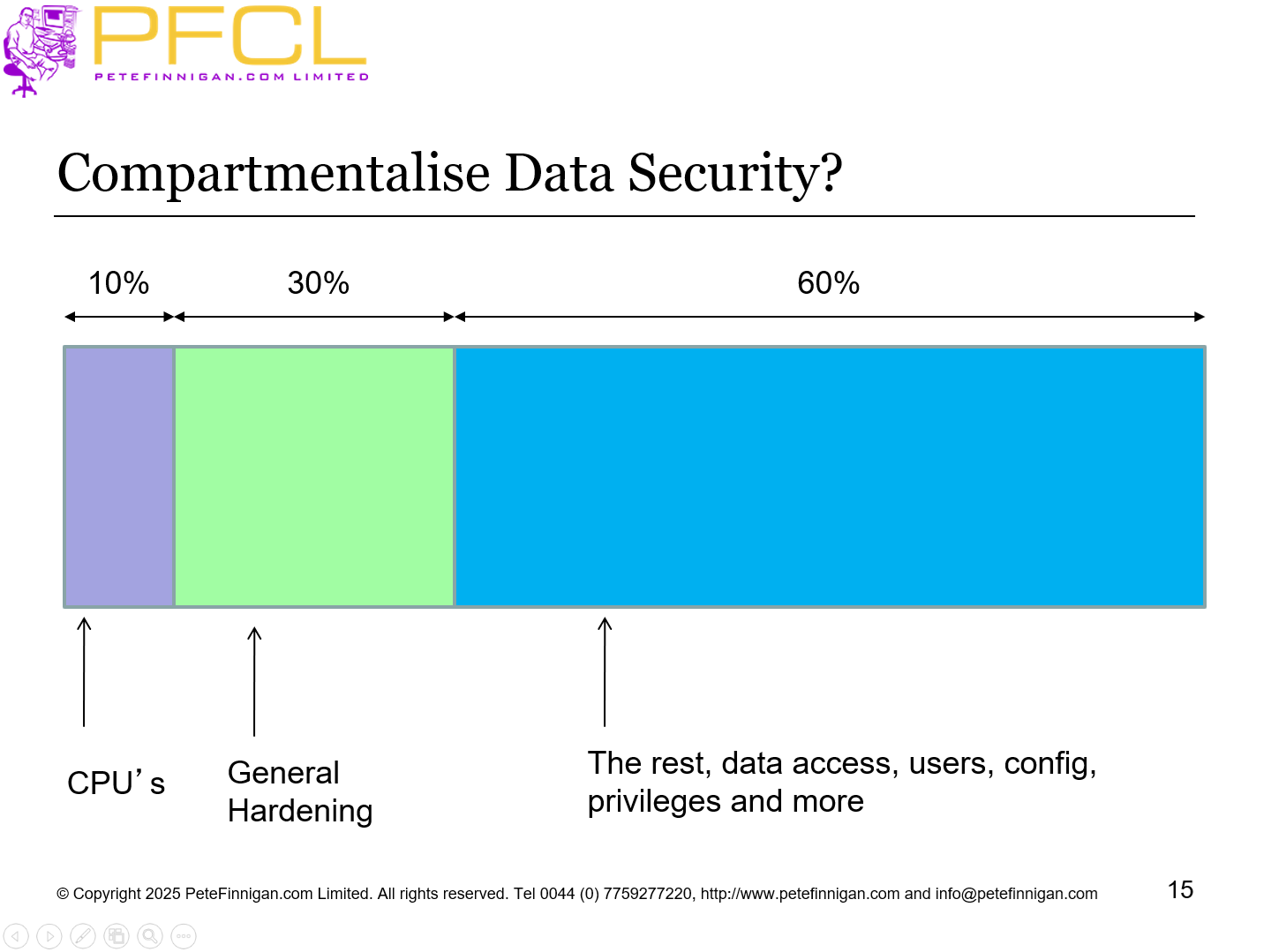
Compartmentalise Data Security?
- Slide 16 - What Is Involved In Securing A Database?
-
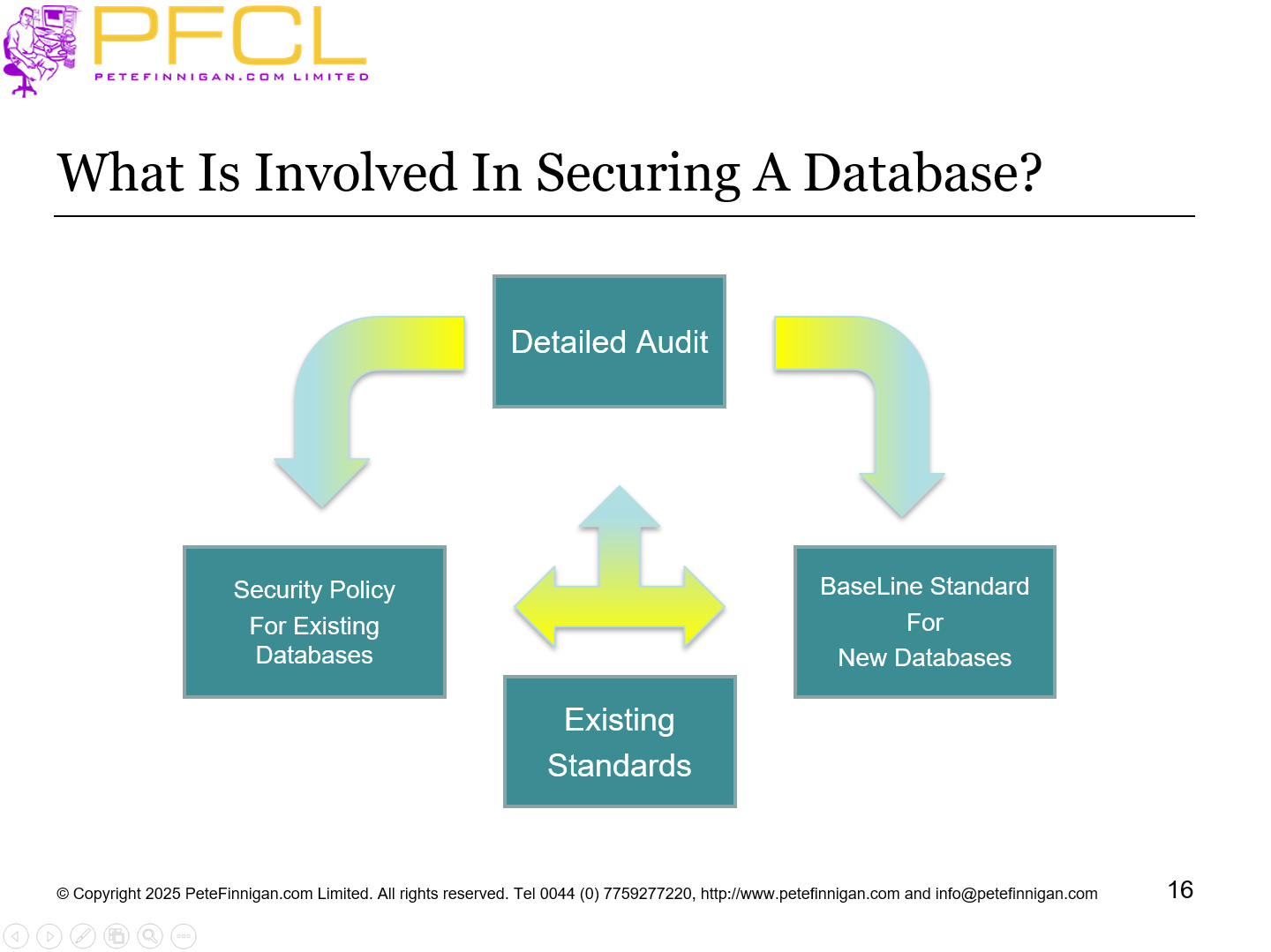
What Is Involved In Securing A Database?
- Slide 17 - Conclusions of Hacking Analysis
-
Conclusions of Hacking Analysis
- Slide 18 - The Hacks We Did In The Demo
-
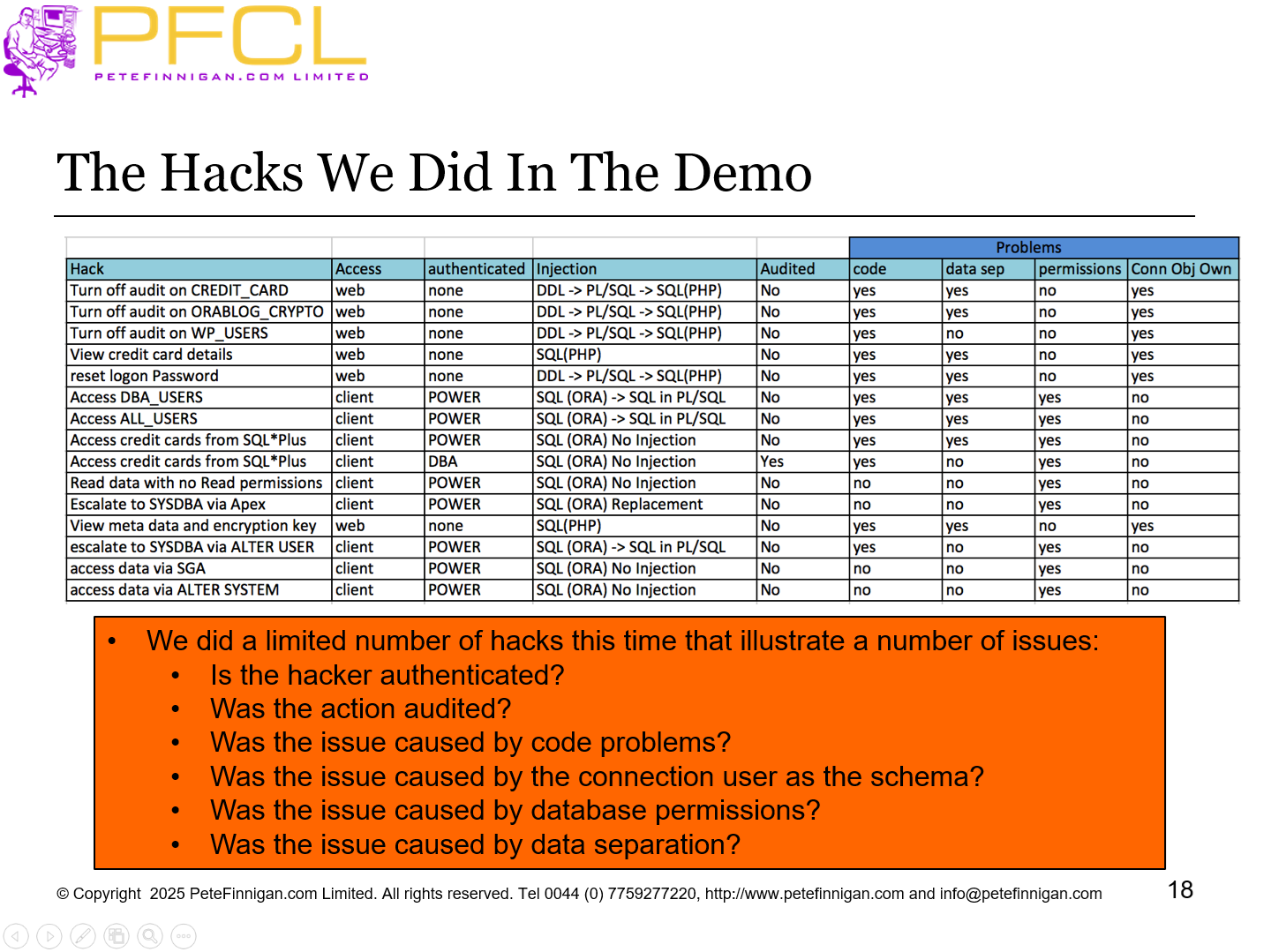
The Hacks We Did In The Demo
- Slide 19 - Fix or Not
-
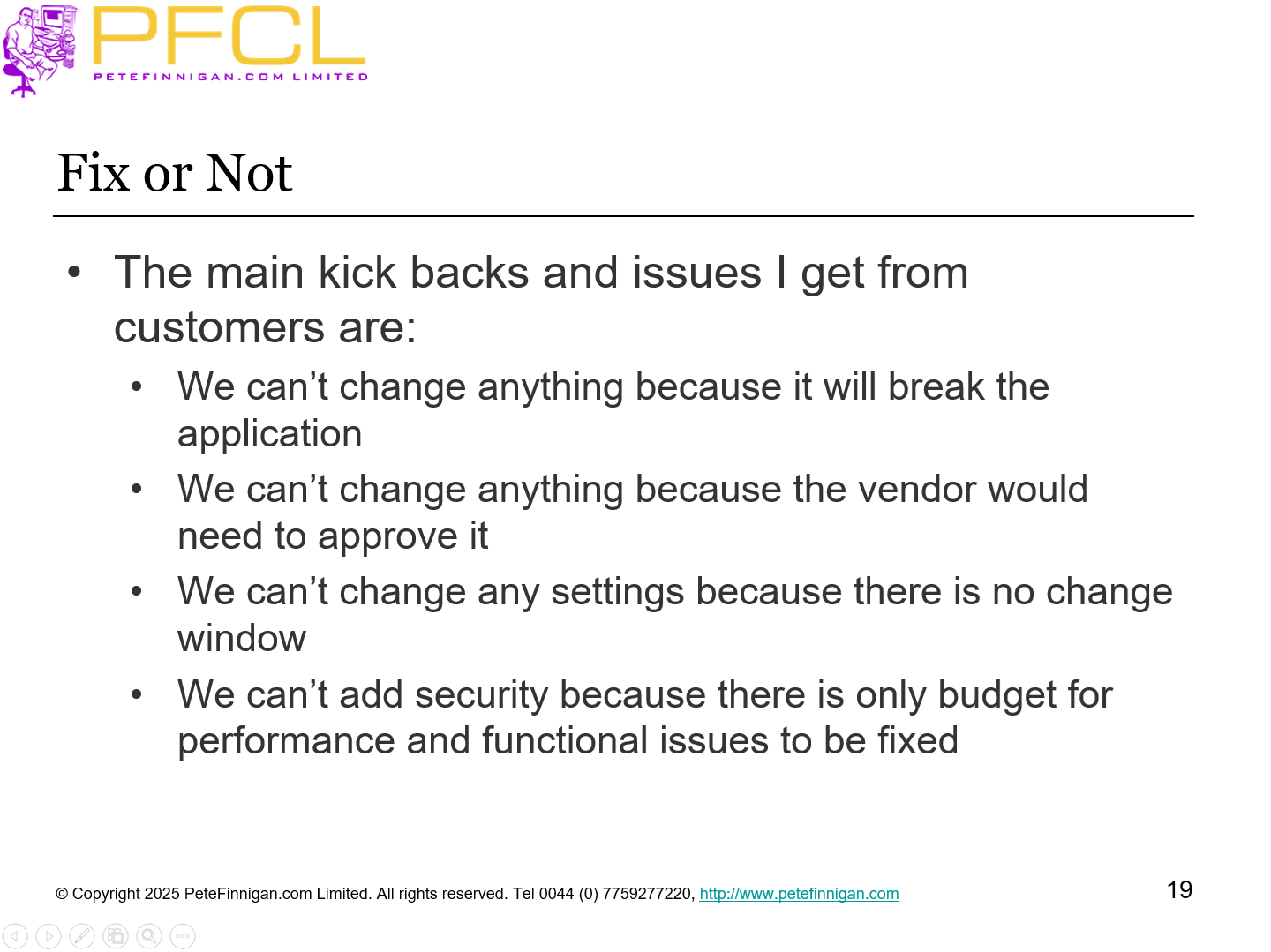
- The main kick backs and issues I get from customers are:
- We can’t change anything because it will break the application
- We can’t change anything because the vendor would need to approve it
- We can’t change any settings because there is no change window
- We can’t add security because there is only budget for performance and functional issues to be fixed
- Slide 20 - Cost Options
-
- Cost options and Enterprise features such as
- DV,VPD, TSDP, REDACT, Masking, TDE, OLS, RAS and more …
- These are great applications
- Yes, they are applications, security applications
- Most are built in at the C level to some extent
- Most are declarative
- Most can be simulated to some extent
- They all require to be secured
- Focus
- Slide 21 - Cloud or Not Cloud
-
- Cloud might have better hardware and network security BUT
- Depends on the cloud model (DB, Bare Metal,…) risk of producer / consumer responsibilities – access to backups and data
- If you have a badly designed application (legacy) and database data model just moving to the cloud does not fix the problems and make it secure
- The design of your application and data model is yours
- The security of data and the database is the same whether the database is hosted on your own site or in a cloud
- Slide 22 - The Top Ten
-
The Top Ten
- Slide 23 - Bad News
-
- There is no simple top ten list of specific items like a check list
- There is no golden bullet simple set of commands that works on every Oracle database
- i.e.
- SQL> alter database make_secure=true;
- It would be great if that were true BUT its not. As we will see each “idea” can involve lots of decisions and component parts
- Slide 24 - 1 – Stop People Connecting to the Database
-
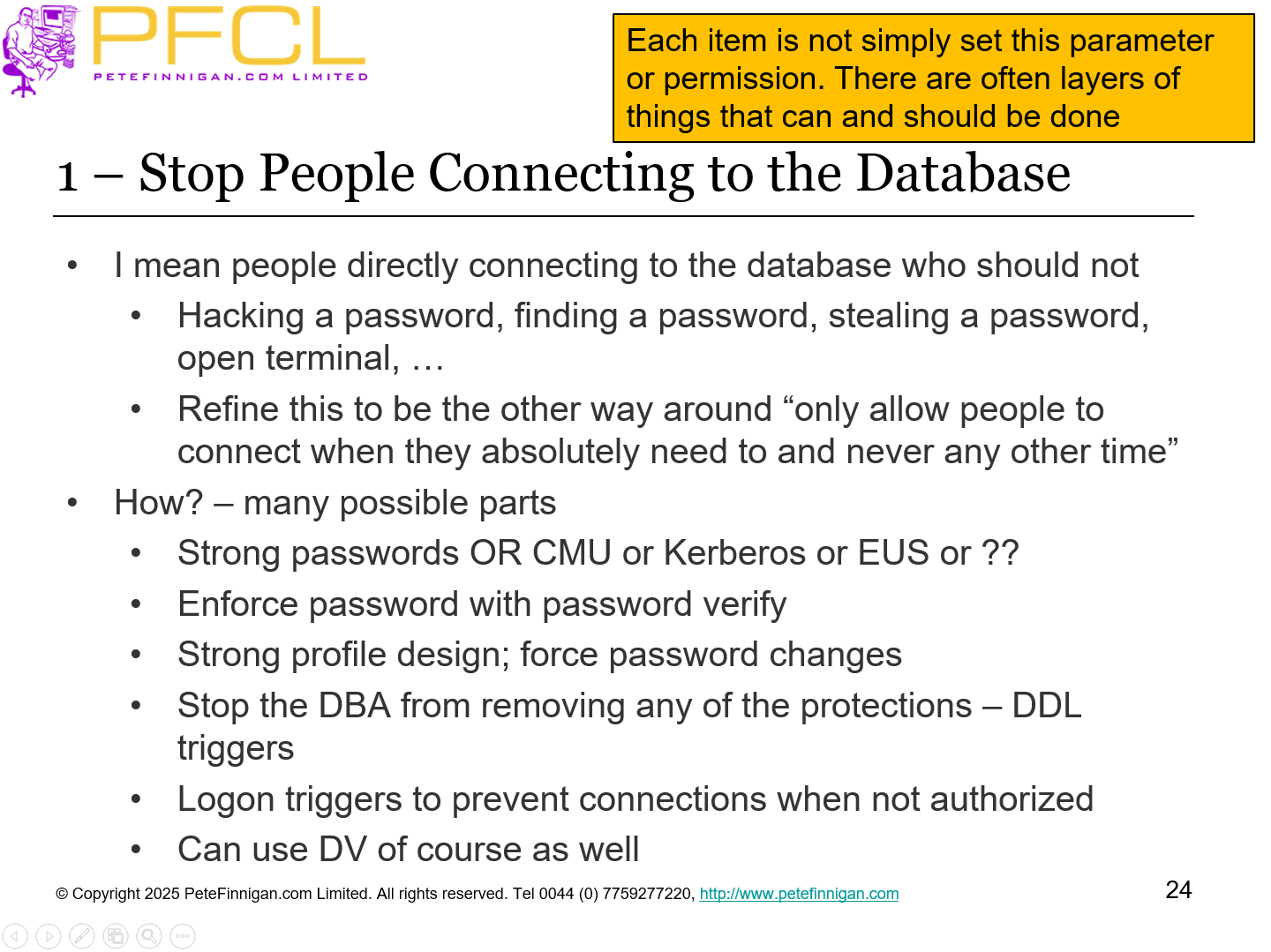
- I mean people directly connecting to the database who should not
- Hacking a password, finding a password, stealing a password, open terminal, …
- Refine this to be the other way around “only allow people to connect when they absolutely need to and never any other time”
- How? – many possible parts
- Strong passwords OR CMU or Kerberos or EUS or ??
- Enforce password with password verify
- Strong profile design; force password changes
- Stop the DBA from removing any of the protections – DDL triggers
- Logon triggers to prevent connections when not authorized
- Can use DV of course as well
- Slide 25 - 2 – Least Privileges
-
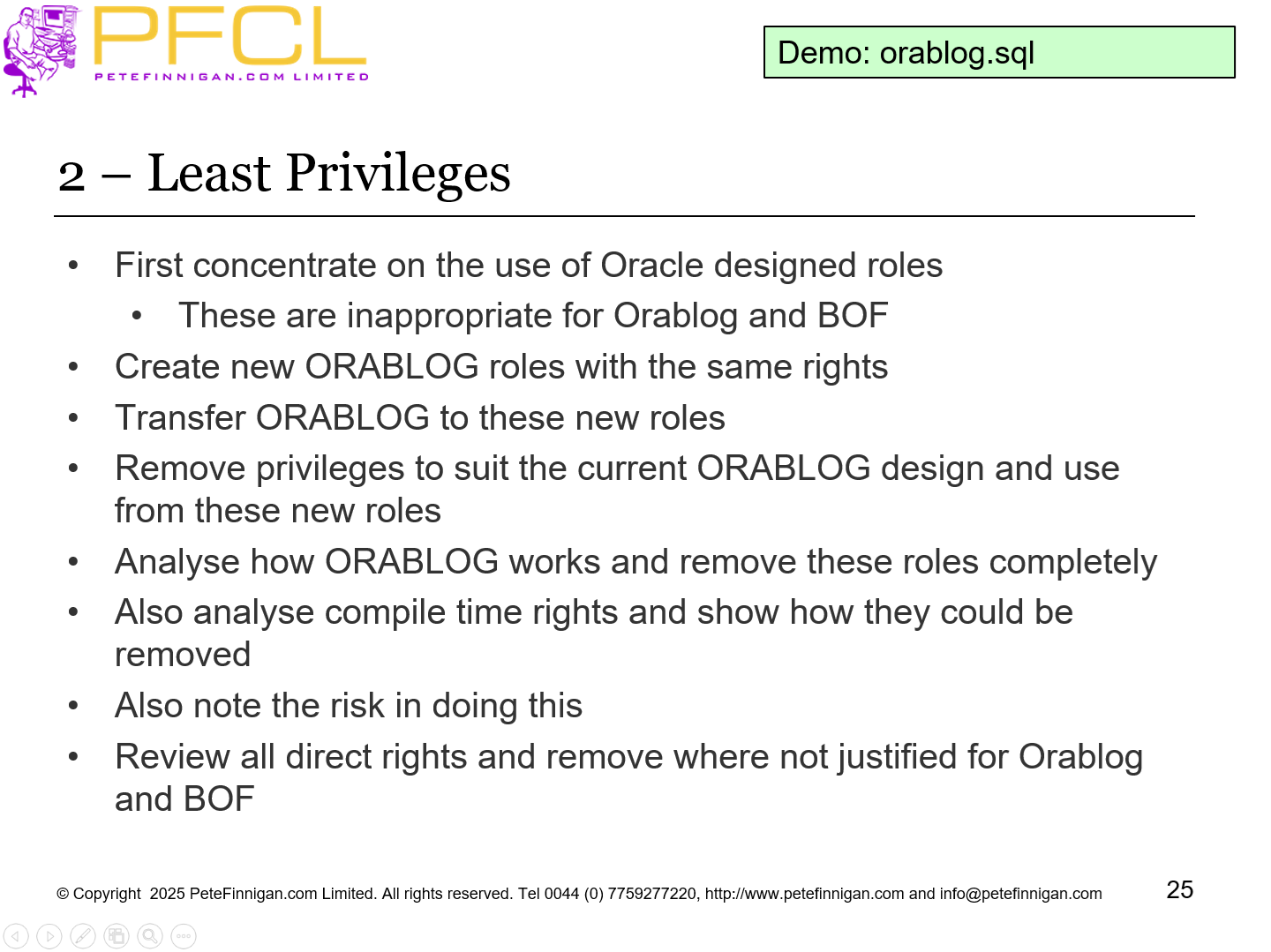
- First concentrate on the use of Oracle designed roles
- These are inappropriate for Orablog and BOF
- Create new ORABLOG roles with the same rights
- Transfer ORABLOG to these new roles
- Remove privileges to suit the current ORABLOG design and use from these new roles
- Analyse how ORABLOG works and remove these roles completely
- Also analyse compile time rights and show how they could be removed
- Also note the risk in doing this
- Review all direct rights and remove where not justified for Orablog and BOF
Demo: orablog.sql
- Slide 26 - Are System Privileges Needed?
-
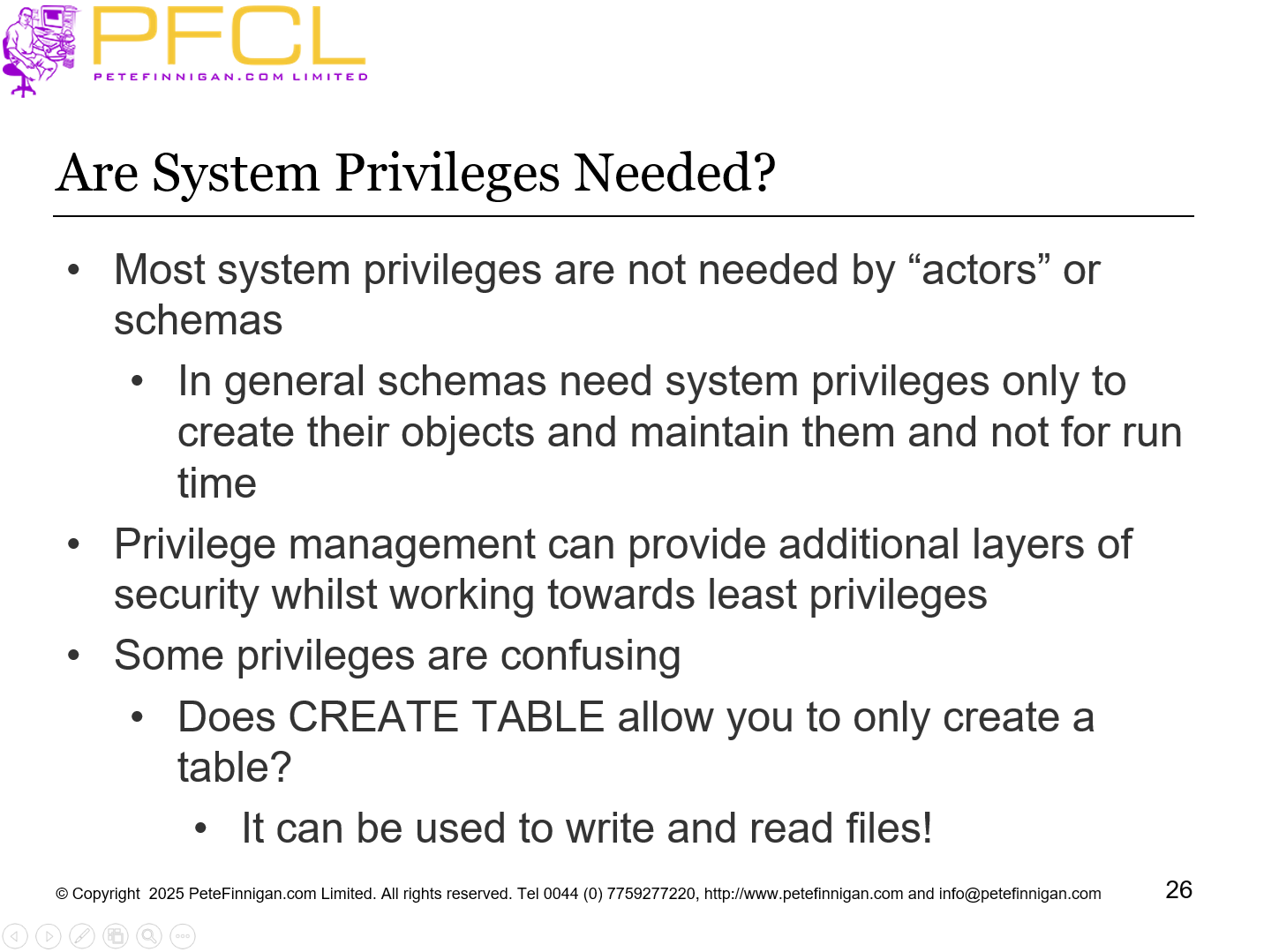
- Most system privileges are not needed by “actors” or schemas
- In general schemas need system privileges only to create their objects and maintain them and not for run time
- Privilege management can provide additional layers of security whilst working towards least privileges
- Some privileges are confusing
- Does CREATE TABLE allow you to only create a table?
- It can be used to write and read files!
- Slide 27 - Privilege Reduction Flow Chart
-
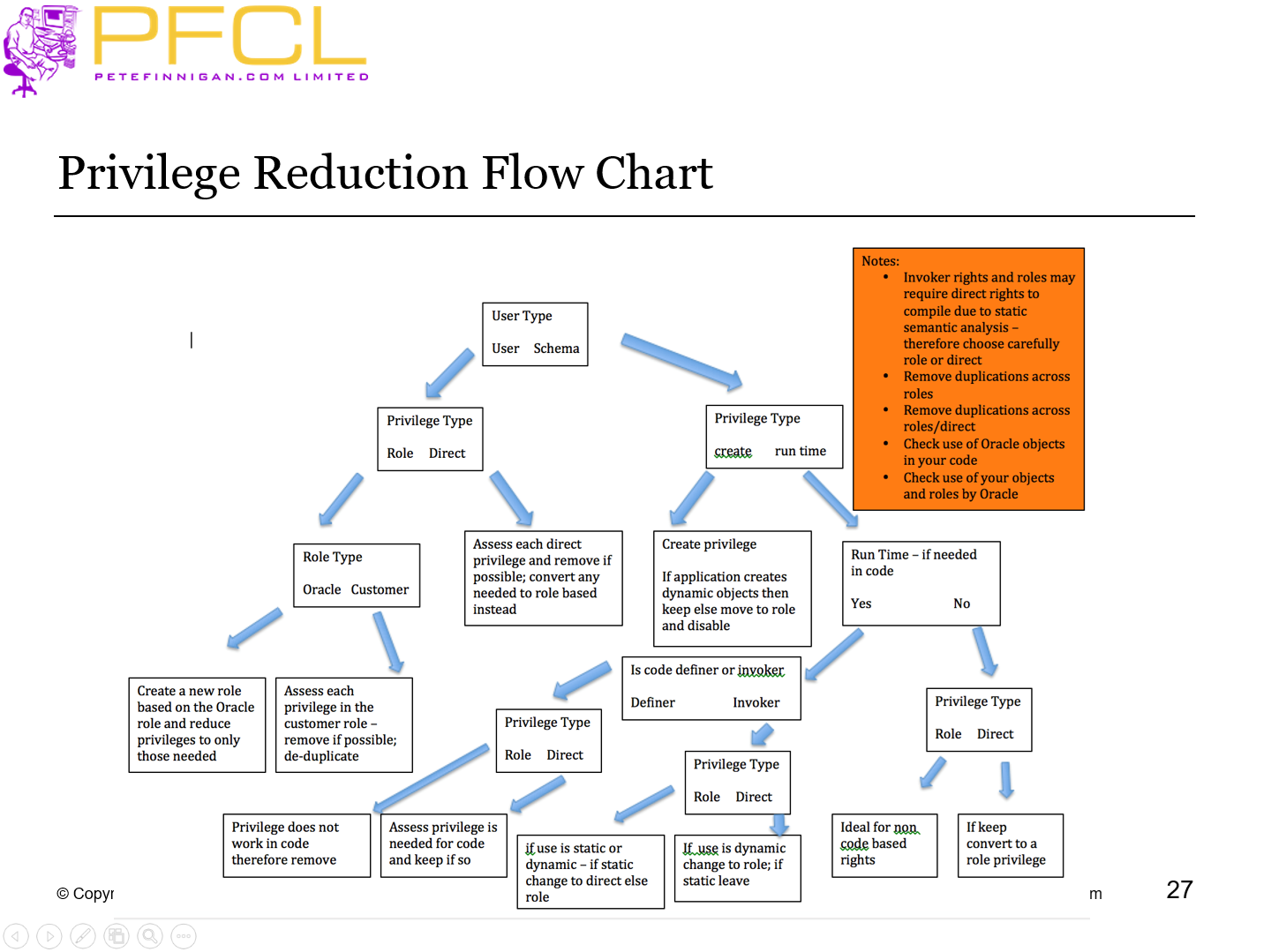
Privilege Reduction Flow Chart
- Slide 28 - Least Privilege – SoD and CoI
-
- The most common issue I see is a lack of least privilege
- (SoD) Separation of Duties:
- This is the idea that more than one person is required to complete a task
- In business the sharing of a task between two or more people is known as a security control.
- (CoI) Conflict of Interest:
- A situation where a person or party has the potential to undermine their impartiality
- These issues can exist in the database layer, application layer or in the database code / data where the database provides controls for the application layer
- SoD Example: A user has the ability to create a loan and also approve it
- CoI Example: A batch user has application rights and also developer rights
- Slide 29 - 3 – Remove Unnecessary Users
-
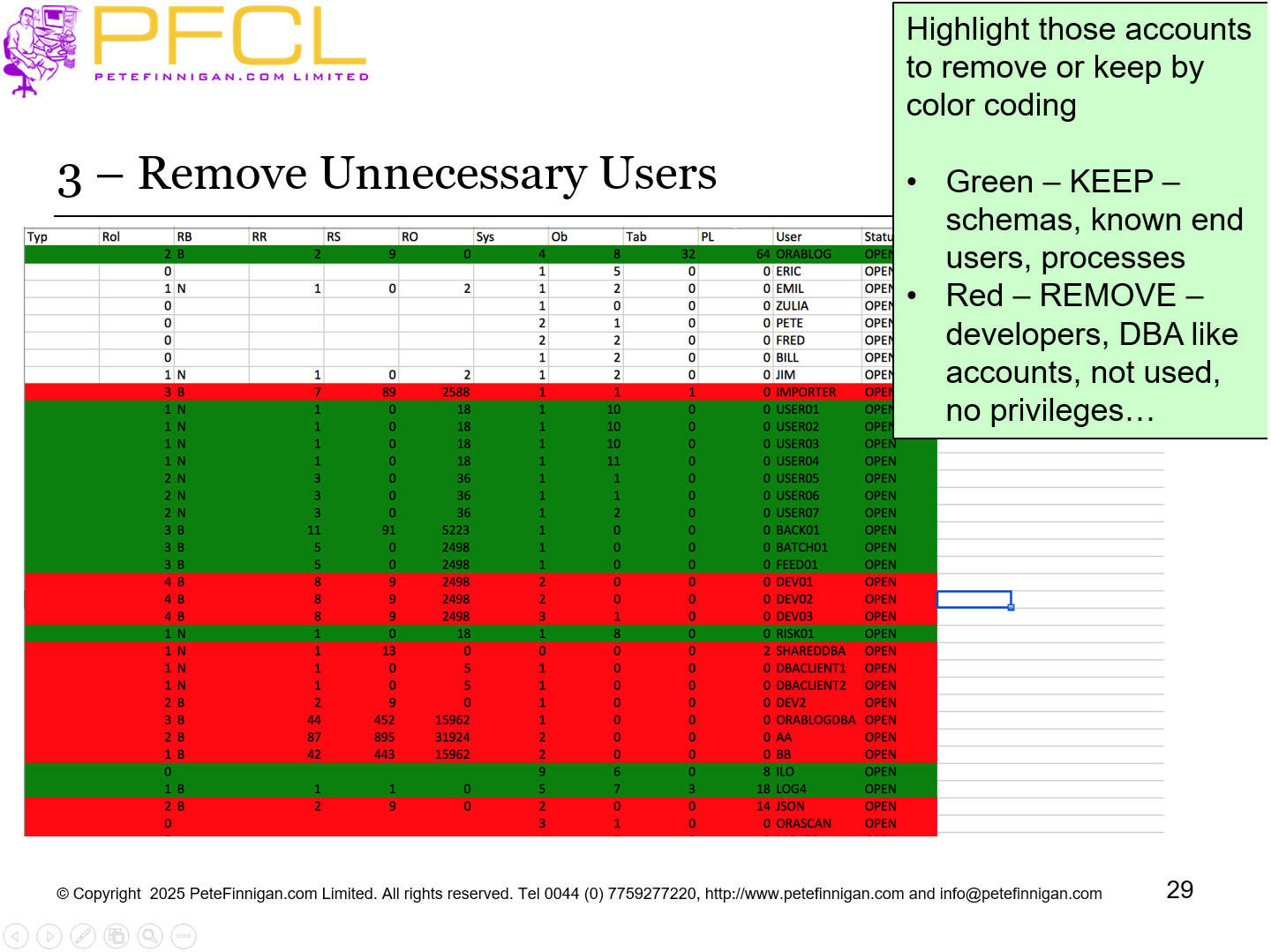
Highlight those accounts to remove or keep by color coding
- Green – KEEP – schemas, known end users, processes
- Red – REMOVE – developers, DBA like accounts, not used, no privileges…
- Slide 30 - 4 – Remove all Defaults
-
- Remove all default users
- Remove grants to Oracle roles
- Remove default passwords
- Don’t use Oracle profiles
- Remove all things related to ensure least rights
- Design your own “things”
- Slide 31 - 5 – DBA and SYSDBA
-
- DBA staff should not use SYS, SYSTEM or oracle or SYSDBA
- DBA staff should not grant DBA, SYSDBA or ALL PRIVILEGES
- SYS and SYSTEM and oracle should be locked
- Prevent SYSDBA access other than by password
- Implement Breakglass to allow access to SYSDBA when needed
- Create a dba role that does not allow access to all data and does not allow escalation back to SYSDBA or similar
- Create individual DBA accounts for each real person DBA – possibly use a shared DBA account and proxy access or CMU
- Audit all access via a shared account or all dba access
- Slide 32 - 6 – Code Security
-
- If we
- stop people connecting
- Limit defaults
- Limit privileges if someone does get in
- Limit super user access
- Then the only way to exploit is through code vulnerabilities
- Review all code (PL/SQL, php, ADF, Java or …)
- Ensure that the code is not vulnerable to SQL Injection or resource abuse and much more
- Slide 33 - 7 – Network Security
-
- Use network firewalls to limit direct connections to the database
- Use the simple valid node checking to limit IP or ranges
- Use logon triggers to limit users/programs
- Use encrypted listeners
- Slide 34 - 8 – Apply Security Patches
-
- Apply security patches within the quarter or
- Apply the last patch at the start of the current quarter
- This ensures that the patch is fully tested by others and reliable
- Slide 35 - 9 – Implement Audit Trails
-
- Design and implement comprehensive audit trails
- For the database engine
- For the applications
- Attempt to detect attacks in semi or real time
- Create alerts
- Create regular reporting
- Slide 36 - 10 – Do Basic Hardening
-
- We must still do basic hardening
- If we cover all of the other areas then CIS is a reasonable starting point
- BUT, do not just do CIS items only
- Change parameters
- Remove permissions and privileges
- Slide 37 - Conclusions
-
- Stop people connecting
- If people get in limit privileges available
- Remove as much stuff that we don’t need
- Patch and harden
- Secure the applications code
- Secure the network
- Limit super users
- Design audit trails to monitor the database engine
- Slide 38 - Questions
-
- Slide 39 - Top 10 Things to Security Review in an Oracle Database
-